


What Is a CPL Filter for a Dash Cam?
Reduce distracting reflections, match the filter to your camera and check the tradeoff after dark
When is a CPL useful?
A circular polarizing lens filter sits in front of a compatible camera lens. It can make reflected dashboard shapes less distracting, helping you see the scene through the windshield. It cannot restore a blurred recording, remove every headlight flare or guarantee readable plates.
Check the exact camera and lens before choosing from Thinkware, BlackVue or VIOFO. A similar-looking filter can still fit the wrong housing. Match the part number and lens before buying.
If you are comparing Thinkware U3000 or VIOFO A139 Pro, check the exact package contents rather than assuming a CPL is free or included. The same applies to Signature Bundles. A Sony STARVIS 2 sensor does not establish accessory fit or remove the need to assess glare.

Choose the exact filter and camera lens
Start with the camera model, generation and the lens you want to cover: front, rear or interior. Then match the filter part number and current instructions. A front-camera filter is not a rear-camera accessory just because both cameras carry the same brand.


Choose your recording resolution and glare accessory separately. Our 4K, 2K and Full HD ranges still need the correct filter and a suitable installation.
Align the filter, then check a saved recording
Park safely in bright daylight, clean the glass and use the camera screen or live-view app to inspect the reflection you want to reduce. Follow the exact filter instructions for cleaning the lens and both filter surfaces; use a suitable microfiber cloth, not an improvised tape-cleaning method.
For an adjustable BlackVue BF1, rotate the ring while watching Live View until the reflection is reduced. Recheck the scene rather than assuming one angle removes all glare. Do not use that rotation procedure for a fixed adhesive filter.
Keep the camera view and vehicle controls unobstructed. If moving the camera would interfere with trim, an airbag path or another device, ask for installation advice instead of forcing a new position.

Watch the CPL filter guide
Use this walkthrough with the instructions for your exact filter; mounting and adjustment differ between designs.
Check night footage and tinted glass
A polarizer reduces some of the light reaching the camera. That can be a tradeoff on dark roads or through tinted glass. Compare saved recordings from your own setup, and follow the exact filter instructions. The BF1 manual says to remove that filter at night to preserve brightness; this is not a removal instruction for a permanently adhered filter.
A feature such as Thinkware Super Night Vision does not establish that every filter or camera automatically compensates without losing useful detail. Do not change exposure just to make a preview look brighter without checking the camera instructions and the saved result.
If the image looks dark or oddly colored through a coated or tinted windshield, compare the parked view with and without the compatible removable filter and ask the camera or filter maker for guidance. Leave an adhesive filter in place until the manufacturer confirms how to remove it safely.
Our Aqua Shield film helps rainwater roll away from the exterior glass in your dash cam’s view. A compatible CPL fits over the camera lens to reduce some reflections. Follow each accessory’s fit and placement instructions. We recommend checking saved daytime and nighttime recordings after combining them, especially through tinted glass, because the view can become darker. Neither accessory removes every visibility problem.
Check the filter families before ordering
Thinkware: check the adhesive design and exact model
Use the guide points to align Thinkware’s adhesive filter. Confirm the exact camera and filter part number before attaching it: removing an adhesive filter can reduce its grip. Its 14.5 mm diameter alone does not establish fit on another brand.
Thinkware’s current filter page excludes U1000 Plus. For M1 or a different housing, ask us to confirm the exact camera/filter combination before ordering.
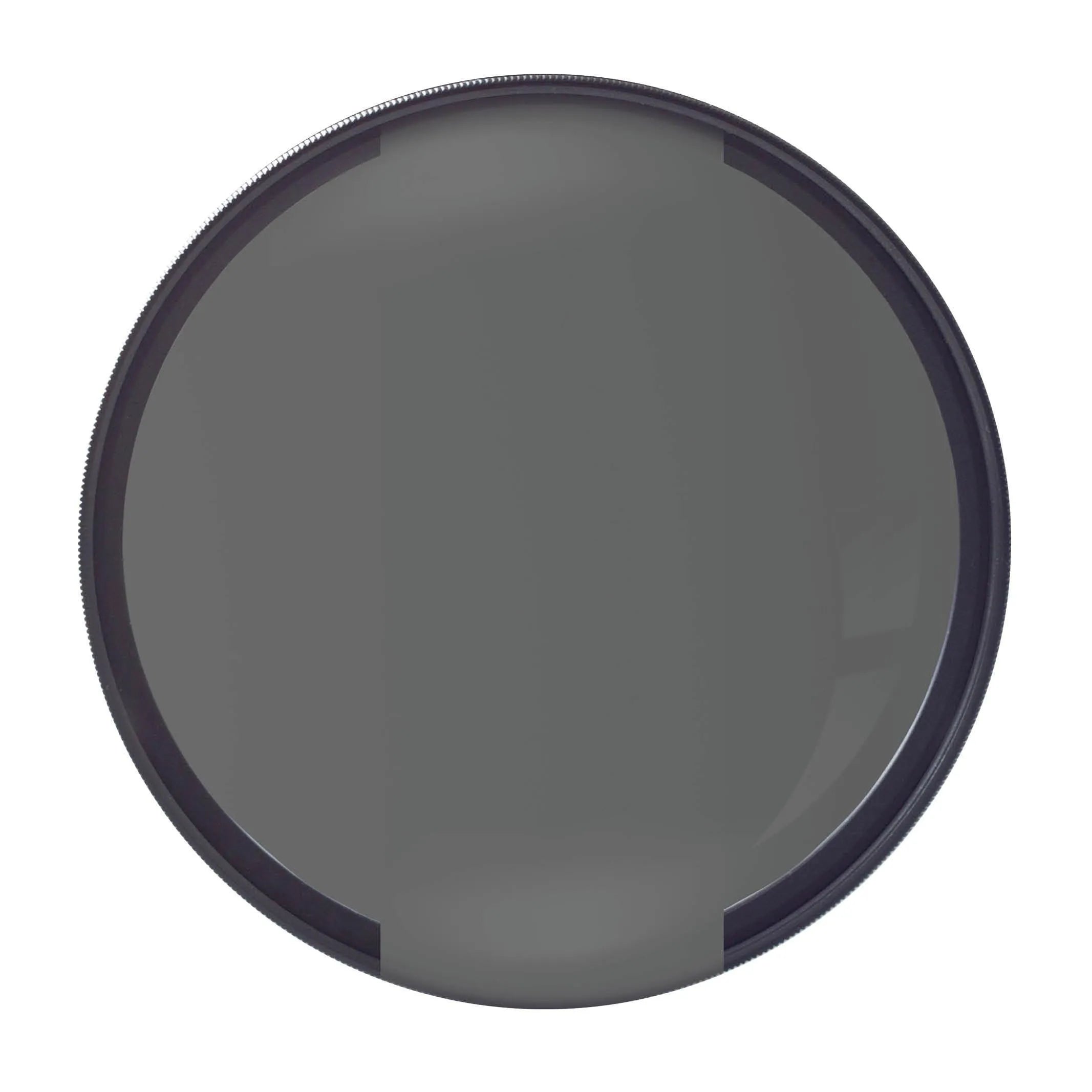
BlackVue: BF1 and CPL2 are different choices
BlackVue’s BF1 manual shows anti-scratch hard coatings on both surfaces and a UV coating. BlackVue lists BF1 for DR970X and DR770X front cameras and legacy DR900X, DR750X, DR900S, DR750S and DR650S families. For a DR900X Plus or DR750X Plus, match the full model name before ordering. BF1 excludes DR970X Plus and Box models. DR590, DR590W and DR590X are not in that named-fit list; ask us to confirm an option for those cameras.
The current BlackVue listing separates CPL2 for listed ELITE models and DR970X-2CH LTE Plus NA/GL variants. That does not make every LTE camera compatible or incompatible. Check the exact filter variant, camera generation and channel.
VIOFO CPL-200: select the front-camera option
Look for the CPL-200 option labeled Front (A329/A229/T130/A139). Use that label to identify the exact product option, then confirm the current camera manual or manufacturer fit information. It is not a universal rear-camera fit statement.
Keep VIOFO A329 1CH distinct from VIOFO A329 2CH, and check the front lens on VIOFO A229 Pro, VIOFO A229 Plus, VIOFO A229, T130 and A139 Pro individually.
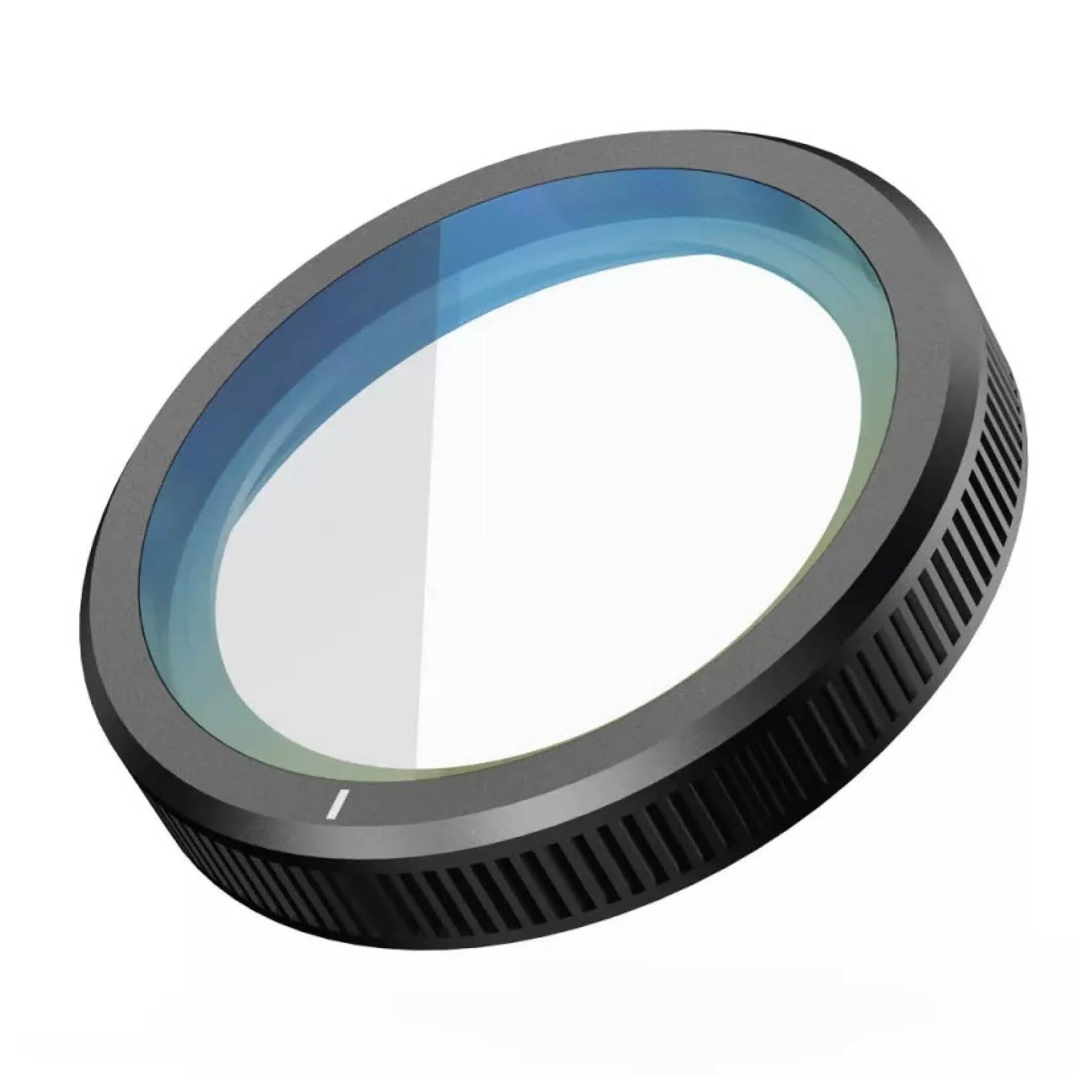
VIOFO CPL-100: keep the A119/A129 option separate
Look for the CPL-100 option labeled Front (A119/A129/A119 Mini). Check VIOFO A119 V3, VIOFO A119 Mini 2, VIOFO A129 Duo, VIOFO A129 Pro Duo and VIOFO A129 Plus Duo by their exact housing and lens.
Older CPL-100 labels also mention A118C2, A119 and A119S; match those older housings by exact part number. For A129 Duo, Pro Duo or Plus Duo, confirm front and rear fit separately. The A129 IR interior camera needs its own compatibility check; a front-camera option is not permission to fit it to the infrared unit.
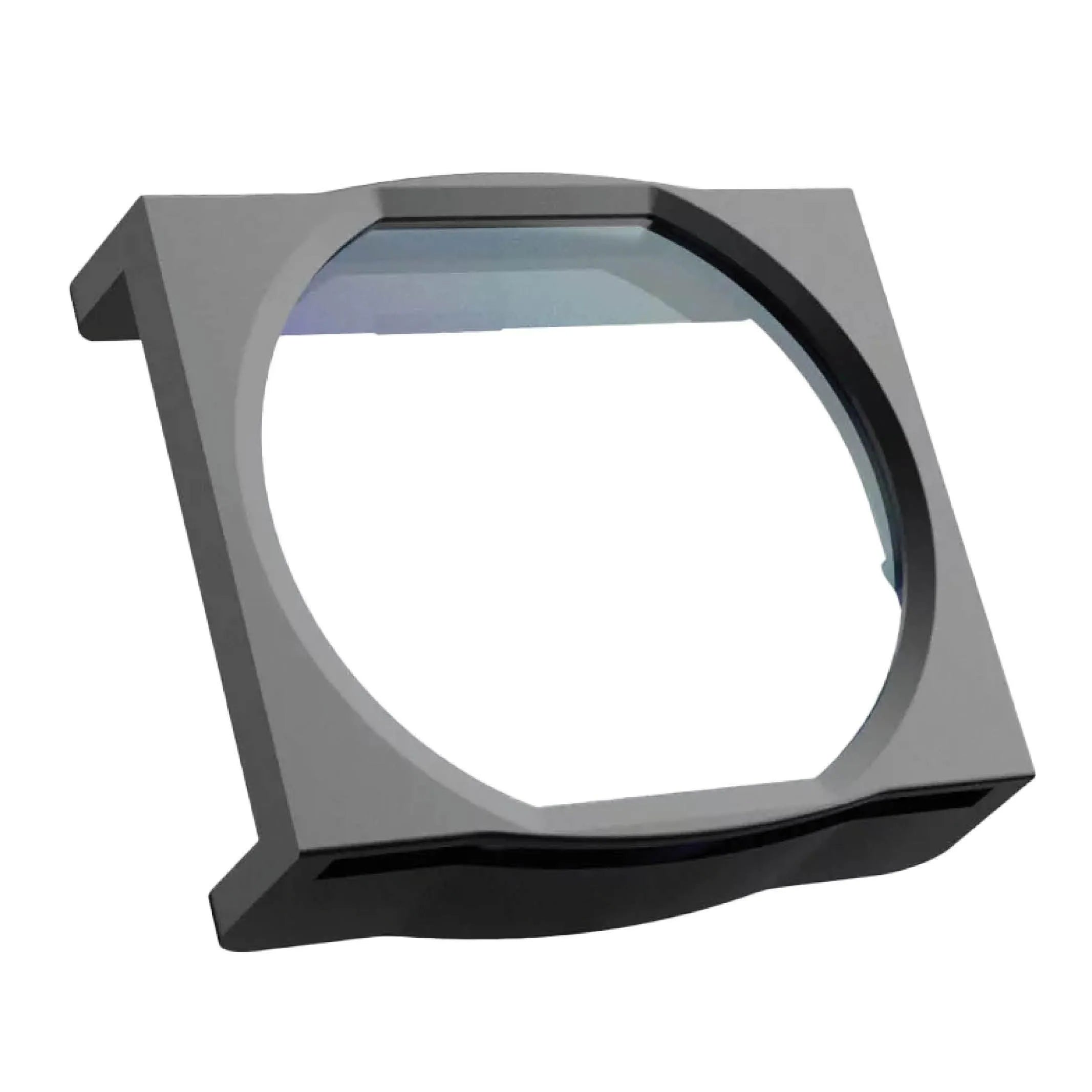
VIOFO CPL-500: verify the rear or telephoto camera
Choose the CPL-500 option labeled Rear (RTC300/A329). Check the actual rear unit on an A329 2CH installation or the exact VIOFO RTC300 combination before ordering.
CPL-500 and CPL-600 are different families. Current CPL-600 wording names RTC320, RTC420 and RC320 configurations in newer A329S, A329T and A229 Ultra families. Do not substitute it for CPL-500, or assume that a front filter will fit either rear camera.
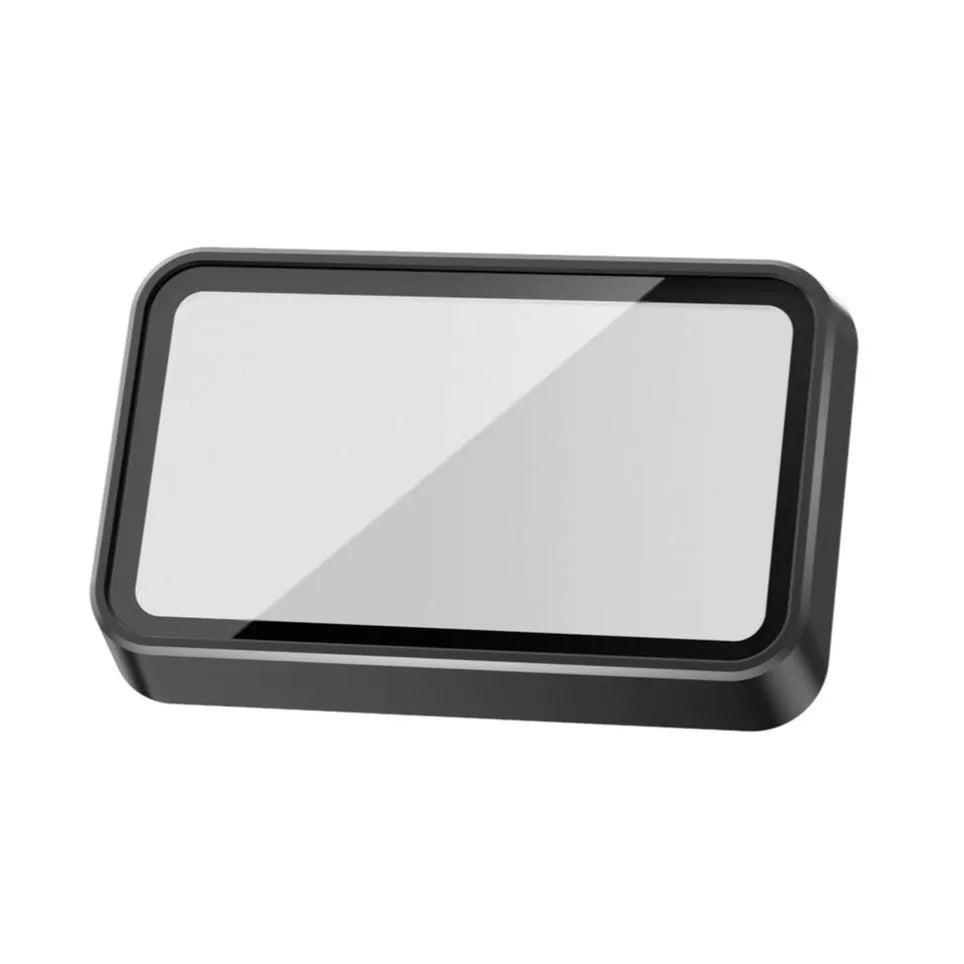
Ask BlackboxMyCar before changing the fit
If reflections remain, tell us your camera model, filter part number and which lens you are covering. Include daytime and nighttime recording examples if available. Tell us whether the windshield has tint or another coating. We can help narrow down fit and alignment without promising that one accessory will remove every reflection.
Contact Us