Does the S-Drive replace my car stereo?
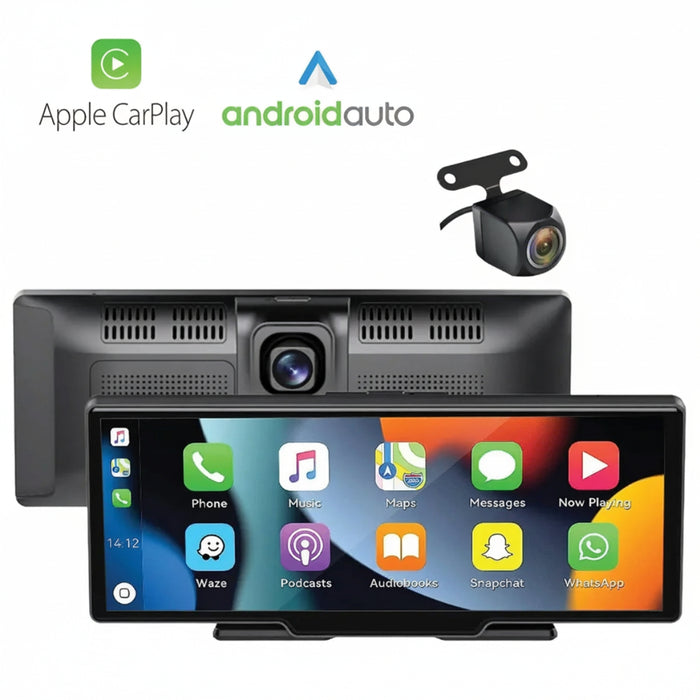
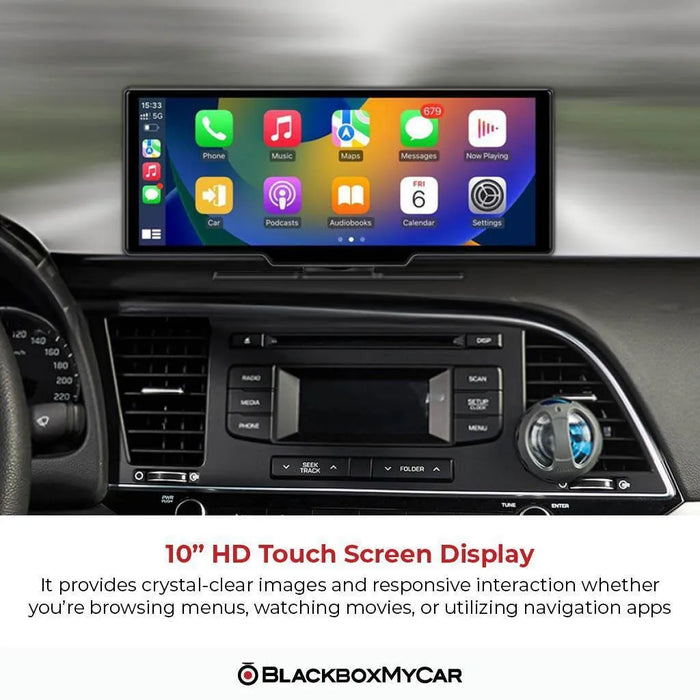
No. It adds a separate dashboard display. Use the built-in speaker, AUX or FM output to suit your existing audio system, and a compatible phone for CarPlay or Android Auto.
Which phones work with wireless CarPlay or Android Auto?
Use a compatible iPhone with CarPlay, or an Android phone that supports wireless Android Auto and 5GHz Wi-Fi. Google’s general wireless requirement is Android 11 or newer. Check the current phone requirements linked below and enable Bluetooth and Wi-Fi for pairing.
Do I need to download apps onto the S-Drive?
No. Supported CarPlay and Android Auto apps come from your phone. Not every phone app is supported, and some services need mobile data or a subscription. Screen mirroring is separate from those app interfaces.
Can I control a mirrored phone from the S-Drive touchscreen?
No. Mirroring displays the phone’s content, but the S-Drive touch screen does not control the mirrored phone or its apps. Use the supported CarPlay/Android Auto interface for in-car app controls.
Can two phones connect at once?
No. Disconnect the active phone before connecting the next one. The system can be used with different phones, one at a time.
Does the touchscreen support pinch-to-zoom?
The screen accepts one touch at a time. Use its plus and minus buttons to zoom a map.
What do the front and rear cameras record?
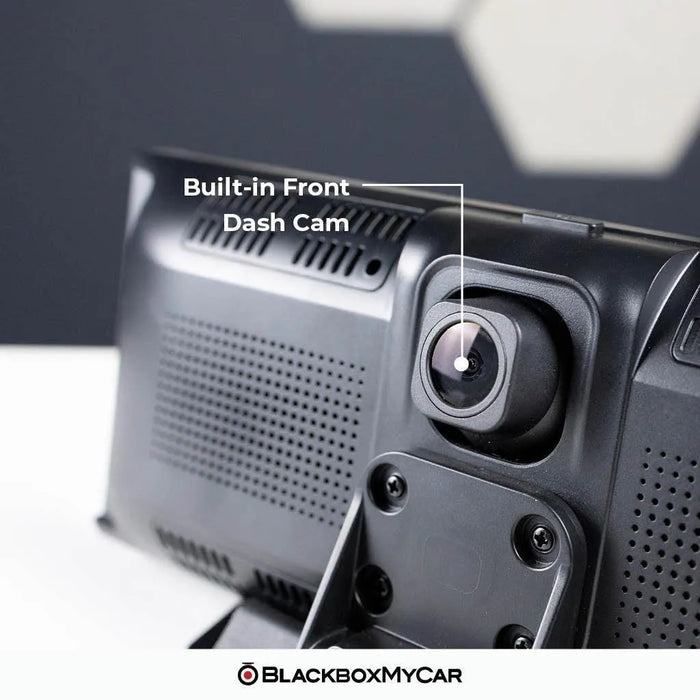
The front and rear cameras are listed at 1080p and 25FPS. The rear camera also supplies the reversing view when installed with its trigger wire. Display resolution and camera recording resolution are different specifications.
Does it have parking mode?
No. The S-Drive does not offer dedicated parked-vehicle monitoring. Its time-lapse setting is not a substitute for parking mode. The system needs external power to operate.
Does “wireless” mean there are no power cables?
Wireless describes the phone connection. The display still needs its supplied power cable, and the rear camera is wired.
Can I use the S-Drive without installing the rear camera?
Yes. The display, phone interfaces and front camera work without the rear camera. You can install the rear unit later using its supported wiring and mount.
Will the rear view appear automatically when I reverse?
Yes, when the reverse trigger is correctly connected to the reversing-light circuit. Connecting only the video cable does not supply that trigger. You can also select the rear view manually or use the supported voice command.
Can I put the rear camera inside the car?
It can be mounted at the rear window for recording, but that higher angle may make close-range reversing harder to judge. The installation guide describes license-plate/rear-bumper placement. Check the view and cable route for your vehicle.
What memory card is included?
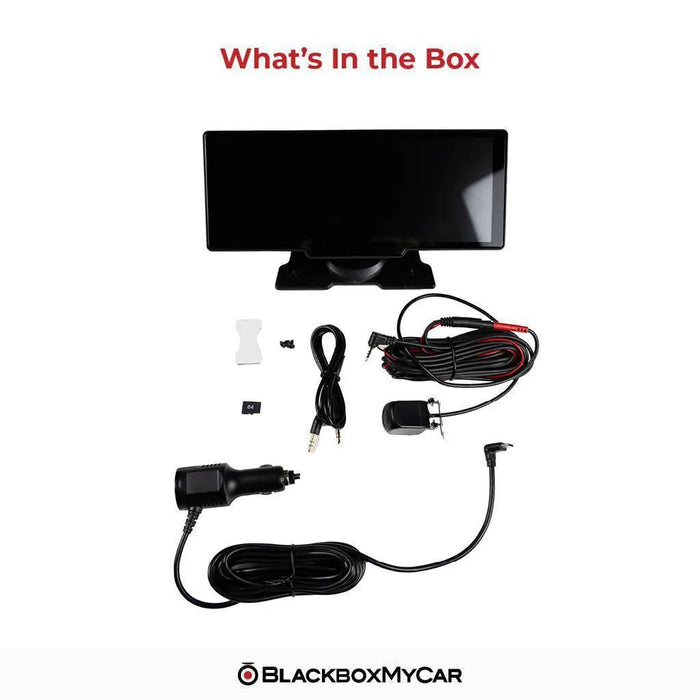
A 64GB microSD card is included. The specified range is 32GB to 256GB, Class 10/U1. Recording requires a card; the phone-display functions can operate without one. Back up recordings before formatting.
How do I save a recording?
Power the unit off before removing the card, then use a card reader to copy files from the DCIM/VIDEO or DCIM/SOS folders. Alternatively, select Wi-Fi Video mode and connect through the Viidure app, download the clip, then export it from the app’s album. Playback is also available on the display.
Why is there no sound?
Check the selected audio output and the volume on the phone, display and car stereo. FM and AUX settings can mute the display’s speaker. Select the output you intend to use and check its cable or radio frequency; Bluetooth phone pairing is not a universal direct link to a car’s speakers.
Why are the voice commands not responding?
Enable voice control and the separate microphone setting, use a command supported by the unit, and reduce background noise. The support guide gives “Show Rear Camera” as a camera-view command.
How do I install the correct firmware?
Check Settings → Firmware → Configuration for M35 or M61, then follow the matching BlackboxMyCar firmware instructions in Resources. The update uses PhoenixCard on Windows and a microSD card. Back up the card first and restore it afterward. Do not install firmware for the other hardware variant.
What if Android Auto disconnects after the March 2026 update?
For Android Auto disconnections after the March 2026 update, follow the linked EveLink repair procedure in Resources. It uses Android Cast and Wi-Fi Direct before reconnecting Bluetooth and Android Auto. This is separate from selecting M35/M61 firmware.
What warranty comes with this S-Drive?
This new unit has a one-year manufacturer warranty. If you are comparing conditions, ask us about the refurbished S-Drive’s tested condition, possible cosmetic wear and separate package terms.
What should I know about this package before ordering?
A compatible phone and any mobile service subscriptions are separate. Follow the included-items list for this order; no suction mount is promised.