Does the VS1 have a screen or support a rear camera?
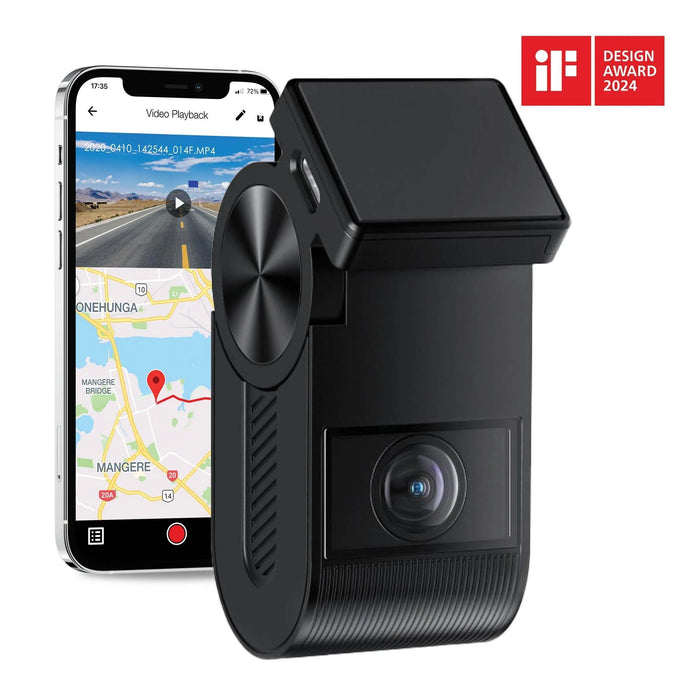
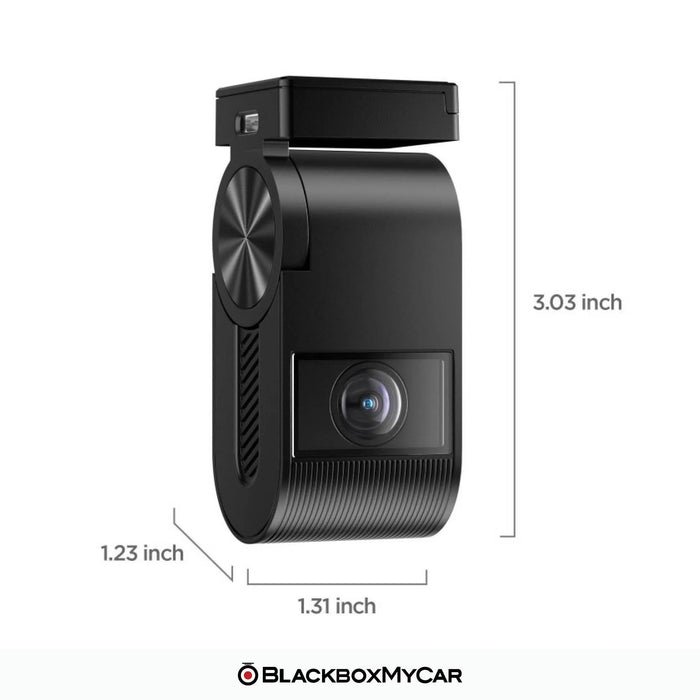
No. The VS1 is a single front camera without a screen or rear-camera input. Use the nearby phone app for preview and setup. Compare the A119 MINI 2 for a built-in display or the A229 Plus 2CH for a connected front-and-rear system.
What resolution, sensor and frame rate does it use?
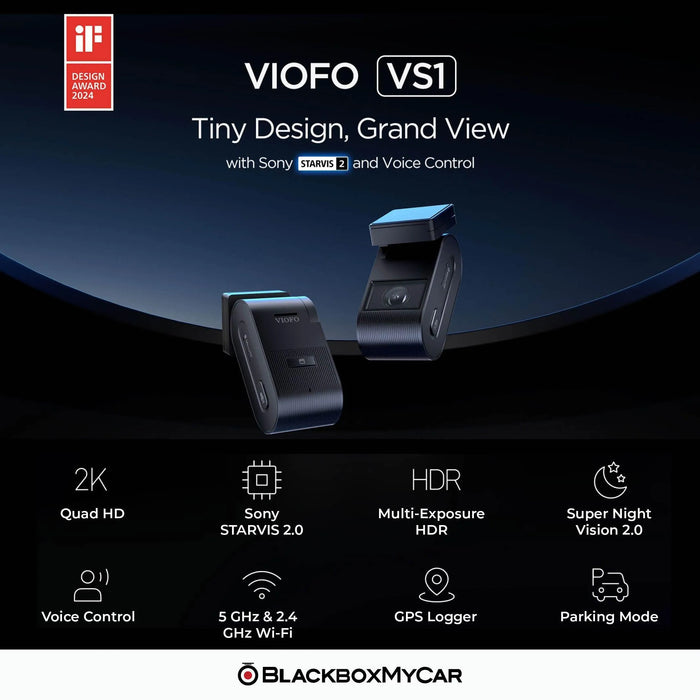
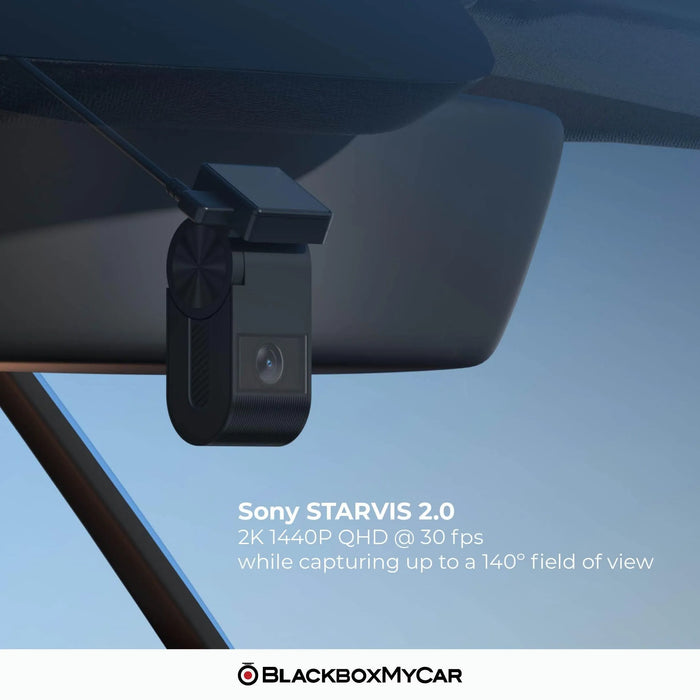
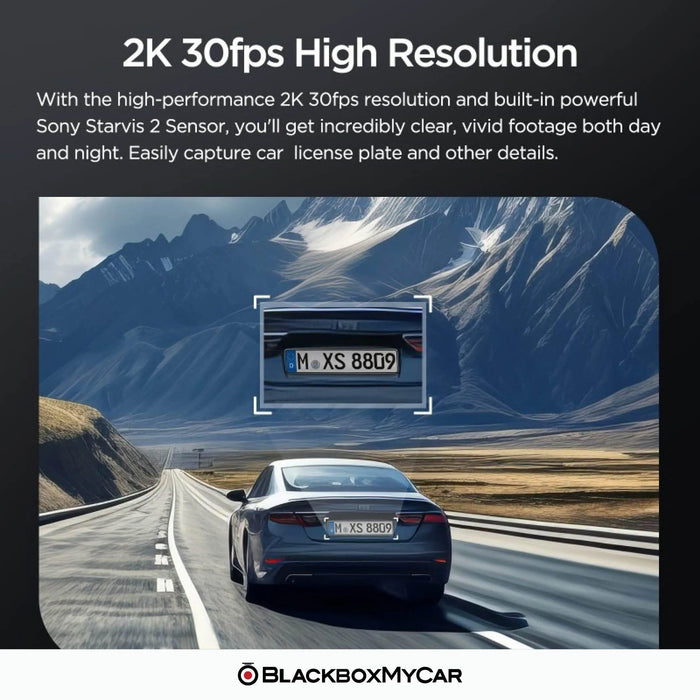
It records 2560 × 1440 at 30FPS using a 5MP Sony STARVIS 2 IMX675 sensor and a 140° F1.6 lens. HDR is supported. There is no 60FPS recording option on the VS1.
Is a memory card included, and how large can it be?
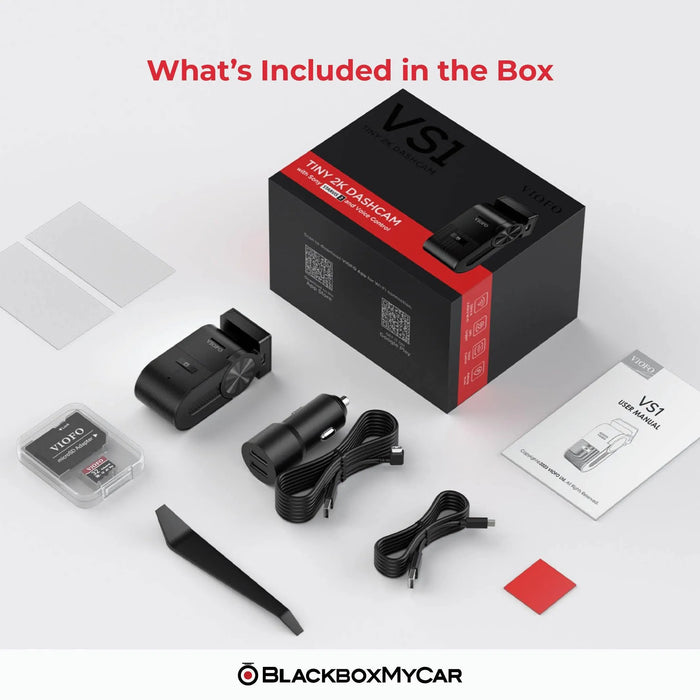
This BlackboxMyCar package includes a VIOFO 32GB microSD card. The camera supports compatible cards up to 512GB. For more recording space, choose a compatible high-endurance microSD card within that limit; available card sizes are listed on the card product page.
Which hardwire kit does the VS1 need?
Use the VIOFO HK5 hardwire kit for automatic parking recording. It is sold separately and uses the correct VS1 connection. Fuse taps must match the vehicle. HK3, HK4 and HK6 should not be substituted simply because some kits use USB-C connectors.
Does parking mode save footage before an event?
Yes. Buffered Auto Event Detection saves footage from before and after a detected event. The camera needs a supported continuous power supply. Time-lapse and low-bitrate recording are separate parking choices, and available power limits how long recording can continue.
Can I view the VS1 remotely or track my vehicle?
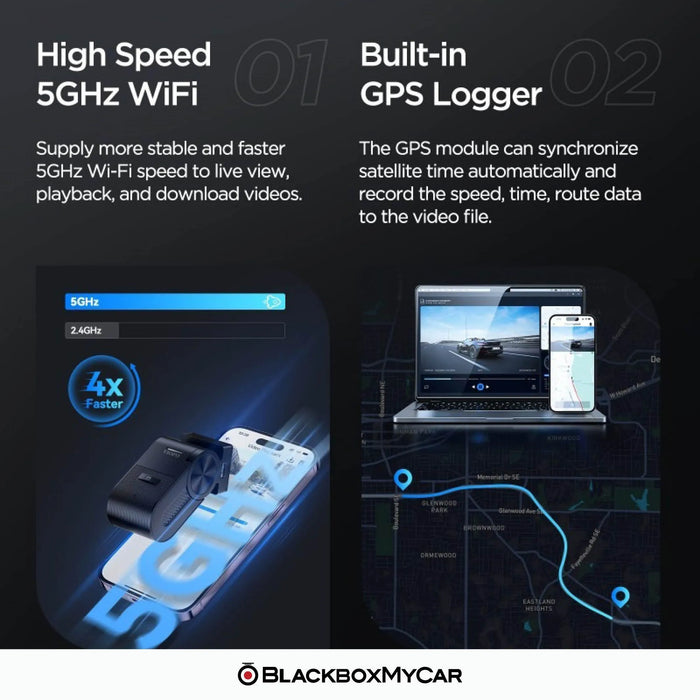
No. Its Wi-Fi connection works with a nearby phone, and its GPS saves location and speed with recordings. It has no LTE modem or cloud connection for remote viewing, parking notifications or live vehicle tracking.
Which voice commands and languages are supported?
The current manual lists taking a photo, starting recording, locking video and switching audio or Wi-Fi. Voice control supports English, Chinese, Russian and Japanese; other system languages use English commands. Voice notifications report status separately from voice control.
Which polarizing filter fits the VS1?
The optional VS1-specific CPL-400 filter fits the VS1. Select that model rather than a filter for another VIOFO camera. Check the recorded view after fitting it, including at night.
How do I save files and maintain the memory card?
Download important clips promptly or copy them to a computer. Loop recording replaces older ordinary files as the card fills. Turn the camera off before removing the card. Back up needed footage before formatting because formatting erases it, then check a new recording after reinserting the card.
How do I update the VS1 firmware?
Open our manuals and firmware hub, select VS1 and follow the instructions for that exact model. Back up recordings and note your settings before formatting the card or updating. Keep power stable during the update and recheck recording, time, Wi-Fi and parking settings afterwards. Do not install firmware from a different model or force a downgrade.
What warranty applies to this new VS1 package?
This new BlackboxMyCar VS1 listing includes an 18-month manufacturer warranty. The separate refurbished listing has a one-year warranty. Read our warranty and returns terms for coverage and the claim process.