


VIOFO A229 Pro Vs Blueskysea B4K: Front And Rear Setup Compared
Compare recording configurations, controls and parking power before choosing a front-and-rear dash cam
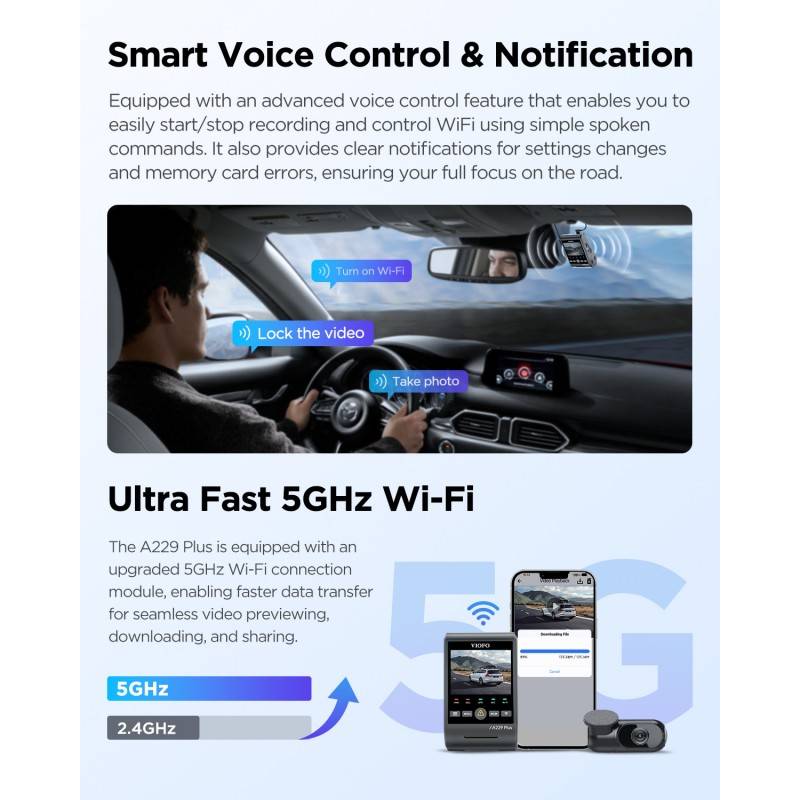
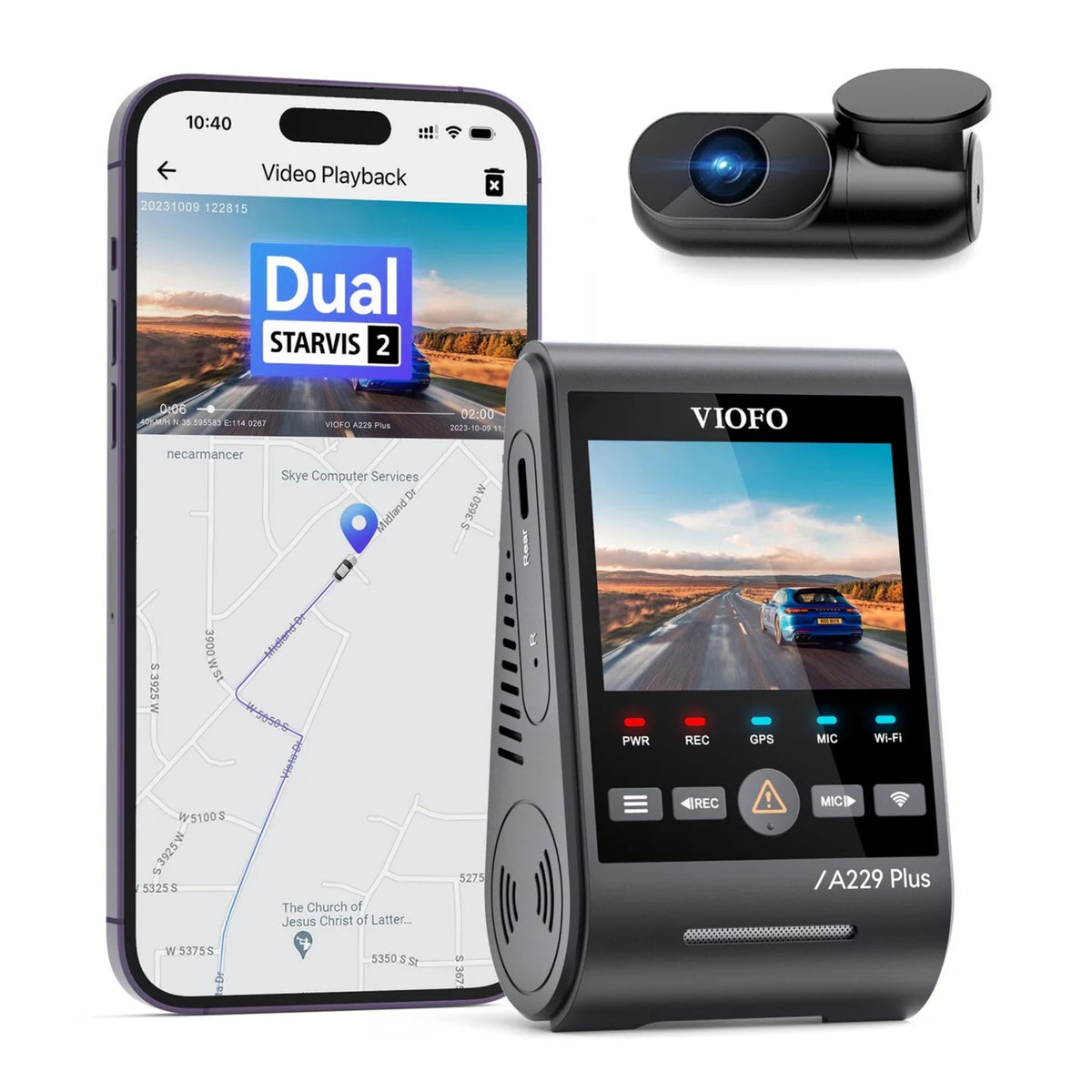
This comparison covers the A229 Pro front-and-rear configuration and the B4K with its optional rear camera. Confirm which rear camera is supplied before comparing a package or upgrading an existing system. The illustration alongside shows the A229 Plus, a different model. The Blueskysea B4K is included here as a comparison; BlackboxMyCar does not currently list it in its US catalog.
Compare the two setups
These are manufacturer-listed features for the A229 Pro 2CH and B4K. Check the camera and rear unit included with your kit.
Scroll the table sideways to see both cameras.
| Feature | VIOFO A229 Pro 2CH | Blueskysea B4K |
|---|---|---|
| Front resolution | 4K UHD at 30 FPS | 4K UHD at 30 FPS listed for front recording; verify the rate when the rear camera is connected. |
| Rear resolution | 2K QHD at 30 FPS | 1080P FHD rear camera optional; verify simultaneous recording settings for your unit. |
| Screen | 2.4 inches | 3.16 inches |
| Parking recording | Event detection, time-lapse and low-bitrate modes; compatible parking power required | Buffered parking mode; optional hardwire kit available |
| Memory card | Up to 512GB high-endurance microSD | Up to 256GB microSD |
Screen and placement
VIOFO lists a 2.4-inch screen on the A229 Pro; Blueskysea lists a 3.16-inch screen on the B4K. Screen size is a useful preference to compare when you want to adjust settings at the camera.
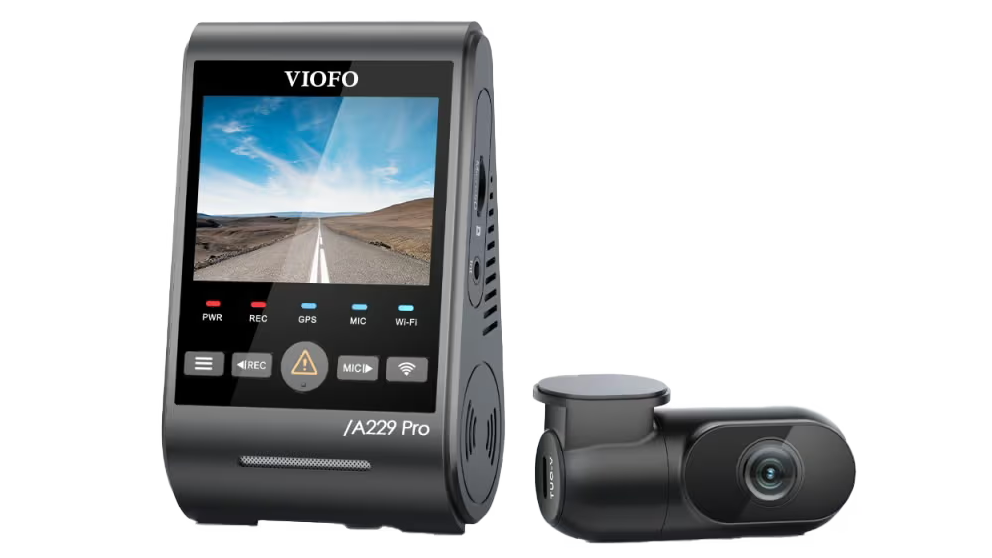
View A229 Pro hardware
VIOFO lists the A229 Pro front unit at 2.3 × 3.9 × 1.8 inches and its rear camera at 2.64 × 1.33 × 1.1 inches. Blueskysea lists the B4K main unit at 3.6 × 1.5 × 0.9 inches. Check those dimensions and the mount against the space near your mirror. Plan the rear-camera cable route and leave access to the buttons and memory card. Follow the camera instructions and your vehicle's restrictions on mounting and cable routing.
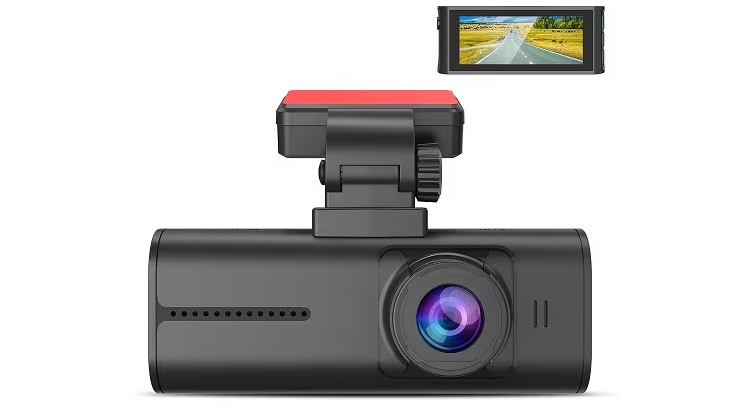
View camera and screen
Front and rear recording
The A229 Pro's documented front-and-rear mode combines 4K UHD at 30 FPS with 2K QHD at 30 FPS. Its named 2CH specification lists a Sony STARVIS 2 IMX678 front sensor and IMX675 rear sensor, with HDR on both channels.
Blueskysea lists the B4K front camera at 4K UHD and 30 FPS with an IMX415 sensor, and offers a 1080P FHD rear camera. Its product description does not establish the front frame rate with both cameras connected. Check the recording modes for your B4K and rear camera before deciding.
VIOFO lists the A229 Pro's front and rear fields of view at 140° and 160°. Blueskysea lists 120° for the B4K front camera. The listings do not state the measurement axis for every camera, so treat the figures as manufacturer specifications rather than a directly matched test. Compare footage in the lighting you drive in; resolution and sensor names cannot guarantee a readable plate.
VIOFO A229 Pro and Plus sample footage
BlackboxMyCar's video title includes both the A229 Pro and A229 Plus. Check the camera model and recording settings before comparing clips.
Blueskysea B4K video from WORTH IT OR NOT?
This video from WORTH IT OR NOT? has 2021 in its title. Use the same lighting and recording settings when comparing examples from different cameras.
Parking recording and power
The A229 Pro manual documents event detection, time-lapse and low-bitrate parking recording. These choices suit different recording needs: event clips focus on detected activity, while time-lapse or low bitrate can record continuously in their respective formats.
Blueskysea describes buffered parking recording for the B4K and an optional three-wire hardwire kit. Confirm the supported parking mode and power connection in the instructions for your exact unit and accessory.
VIOFO lists an operating range of -20°C to 65°C for the A229 Pro; Blueskysea lists -20°C to 70°C for the B4K. These are operating specifications, not a promise that either camera or its power supply can remain in every parked vehicle indefinitely.
VIOFO recommends its HK4 ACC hardwire kit for A229 Pro parking recording. Choose the supply and cable for the camera configuration, and follow the vehicle and kit instructions. If considering our PowerCell 8 dash cam battery pack, confirm the camera and output cable are compatible. Cutoff settings and the time you park matter more than a promised recording duration.
The parking illustration below has a 15-seconds-before and 30-seconds-after timeline. Treat it as a feature illustration, not a timing comparison or a guarantee that every event will be recorded.
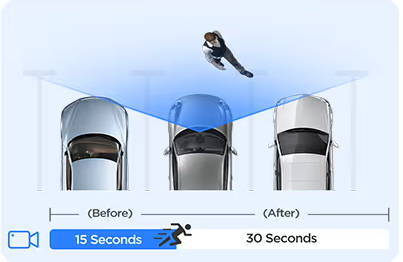
View parking illustration
Parking setup resources
This original video was unavailable when last checked. For setup guidance, use the A229 Pro manual and the instructions supplied with your camera and power kit. Contact us if you need help choosing a connection.
Controls and footage access
The A229 Pro lists voice control and voice notifications, plus 2.4GHz and 5GHz Wi-Fi. Its manual describes connecting a phone directly to the camera for settings and recordings. This is a local connection, so it should not be confused with remote access while you are away from the vehicle.
View A229 Plus illustration
The B4K manufacturer page describes Wi-Fi file access through Ucam. Check app availability and phone compatibility before relying on that workflow. Both models list GPS; a GPS specification does not establish a live tracking service.
VIOFO specifies high-endurance microSD cards up to 512GB for the A229 Pro; Blueskysea lists up to 256GB for the B4K. Check the card requirements for your unit and save important clips before loop recording overwrites older files. Capacity and recording settings affect how long footage remains available.
Set up or review recordings while safely parked. Voice features and wireless transfer are conveniences, not a reason to operate a phone or camera while driving.
VIOFO lists a front CPL filter with its A229 Pro 2CH and Blueskysea lists a CPL as an optional B4K accessory. A CPL can reduce windshield reflections. Confirm what is included with the specific kit before ordering.
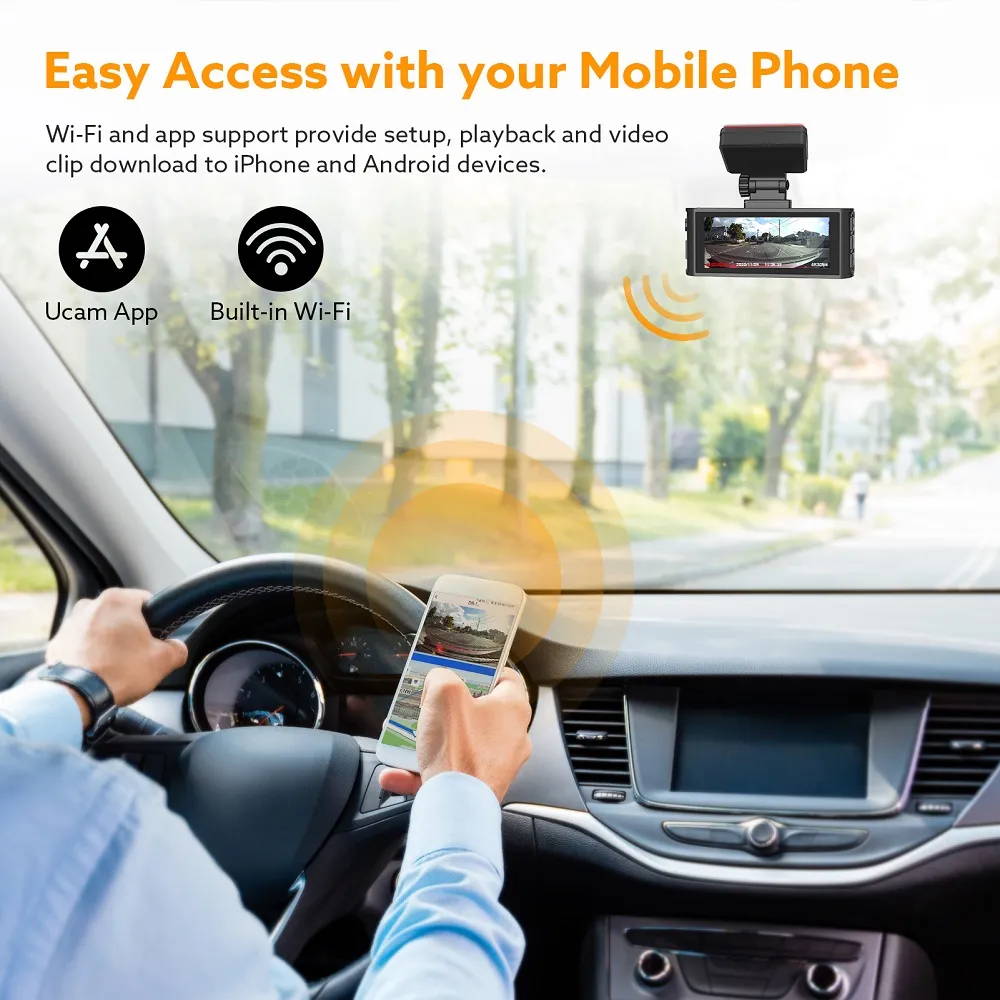
View phone connection illustration
Other VIOFO model illustrations
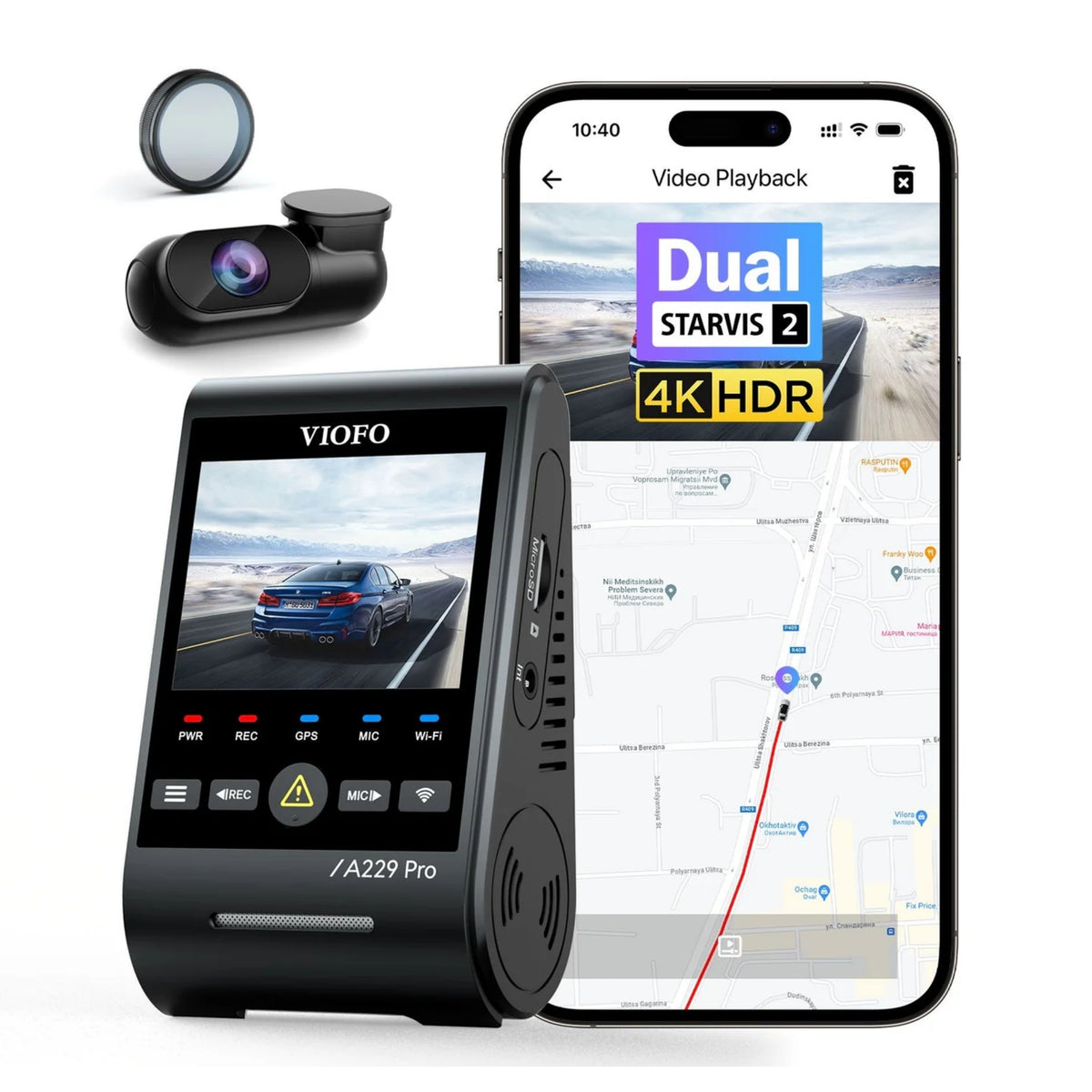
The illustrations below show three separately labelled models: A229 Plus 2CH, A229 Pro 2CH and A229 Ultra 2CH. Match the model name on the camera and package when comparing specifications or accessories.

Manufacturer resources
Choose around your setup
For a front-and-rear setup, the A229 Pro 2CH gives you a documented 4K UHD front and 2K QHD rear recording mode. With a B4K, establish the rear-camera version and simultaneous recording settings first. Compare the complete system you need, including power accessories and the card, rather than treating the front resolution as the whole decision. Check current warranty terms with the seller before buying.
For help with your dash-cam setup, send BlackboxMyCar your vehicle’s year, make and model, the camera and rear-camera labels, and whether you want recording while parked. Include any existing power kit so we can check the parts and setup you need. For multiple vehicles, see our fleet options.
Contact Us