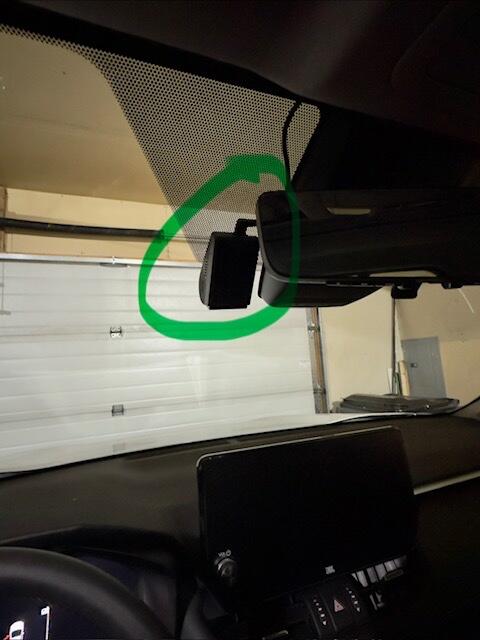
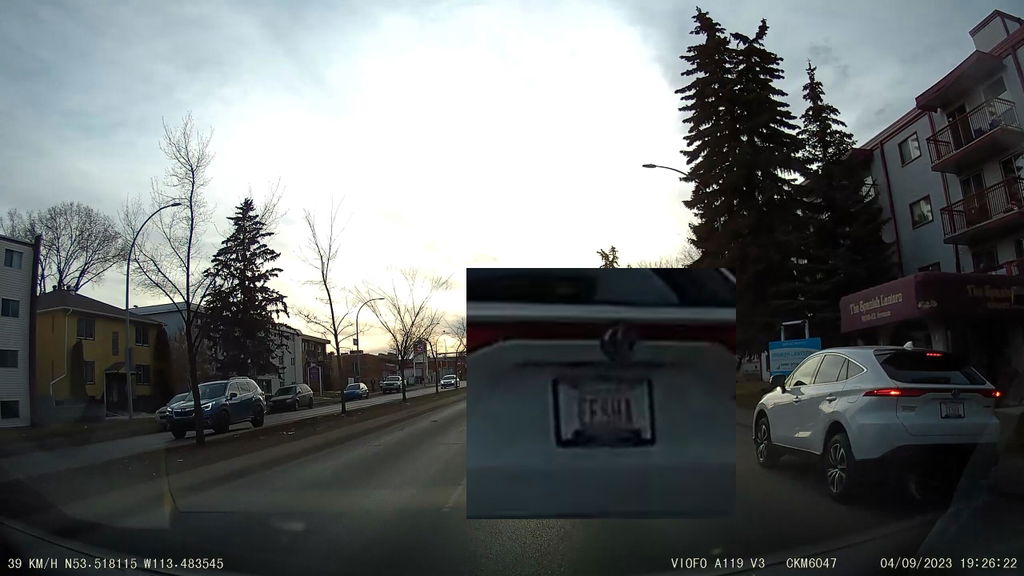
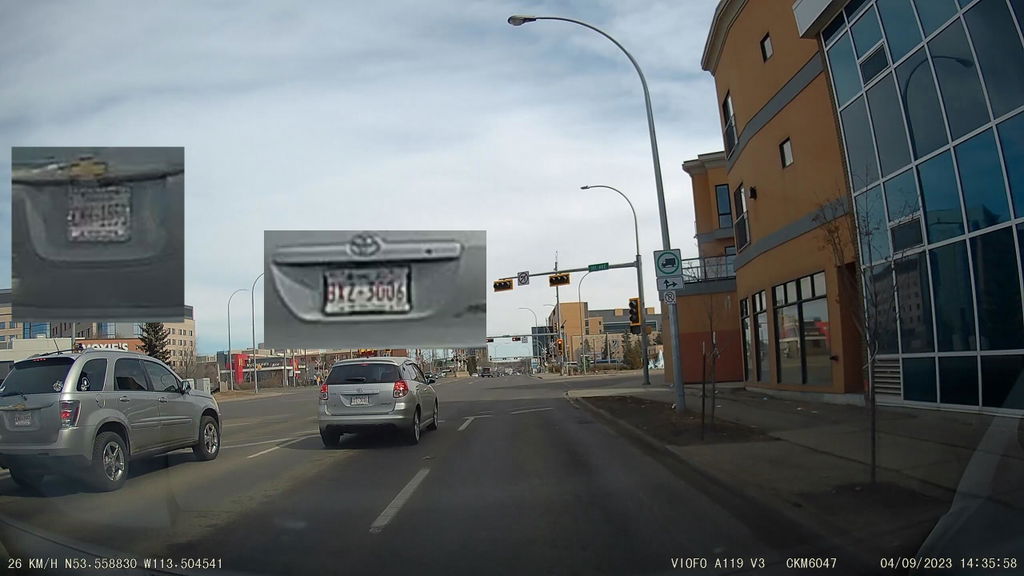
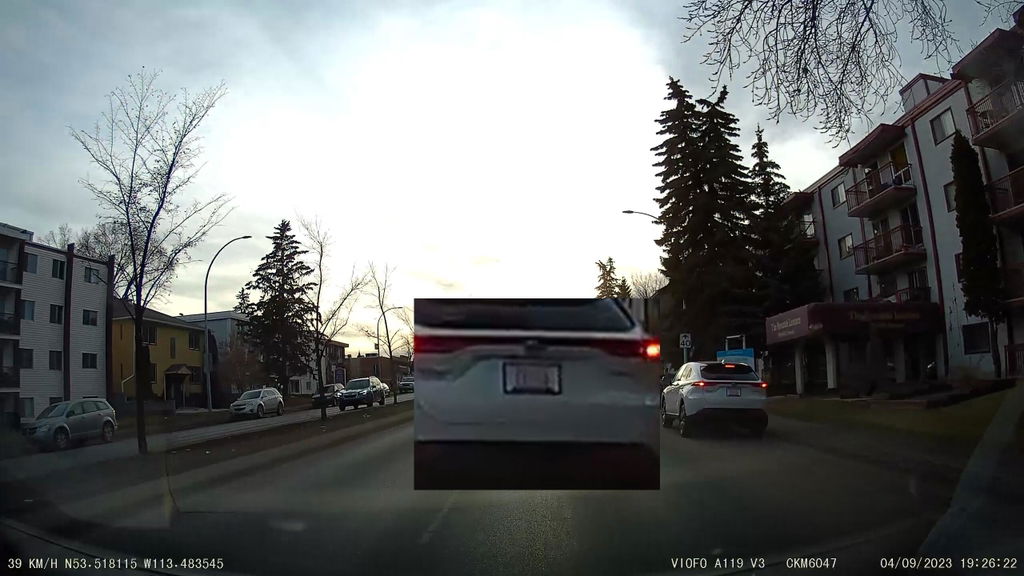
Can A119 MINI 2 record 60FPS with HDR, and which sensor does it use?
No. Select 2560 × 1440 at 60FPS with HDR off, or 30FPS with HDR on. The 60FPS setting favours smoother motion; HDR balances bright and dark areas.
A119 MINI 2 uses a Sony STARVIS 2 IMX675 1/2.8-inch 5MP sensor with an F1.6 lens and a 140° view. It is different from the older A119 V3 and the 4K A119M Pro.
Can I check my car remotely over Wi-Fi?
No. Its 2.4GHz/5GHz Wi-Fi connects locally to a nearby phone running the VIOFO app. It has no cellular connection, cloud storage or remote parking alerts. GPS records driving data; it is not live remote tracking.
What is required for parking mode, and which modes are available?
A separately sold VIOFO HK4 supplies constant power and the ignition signal for automatic parking mode. Match the installation and voltage cutoff to the vehicle. A car charger in an ignition-switched socket stops supplying power when the vehicle is off.
Auto Event Detection saves buffered events with 15 seconds before and 30 seconds after detection. Time-lapse records at a reduced frame rate without sound; low-bitrate recording runs continuously with smaller files and audio. Recording stops when its power or configured limit is reached.
Are a memory card and CPL filter included?
No. Choose a compatible high-endurance microSD card up to 512GB and, if needed, the optional CPL-100 filter. The camera package includes its GPS mount and car charger; the hardwire kit is also separate.
Can I add a rear camera or Bluetooth remote?
A rear camera cannot be added: this is a front-only camera. The optional VIOFO BTR200 Bluetooth remote is supported for convenient clip locking and configured shortcuts. Bluetooth does not transfer video to your phone.
How does MINI 2 compare with A119M Pro?
A119M Pro adds 4K 30FPS HDR, a larger IMX678 sensor, Wi-Fi 6 and an included CPL filter. MINI 2 offers 2K 60FPS with HDR off. Choose a dual-channel camera if you also need rear coverage.
How do I choose the correct MINI 2 firmware?
Check the serial number behind the GPS mount or on the box. VIOFO provides FWA119MN.bin for serial numbers beginning A119MN, and FWA119M2.bin for A119MS. Open Manuals and firmware below, select A119 MINI 2, and use the download matching your serial prefix. Back up recordings and settings before following its update instructions.