


VIOFO Dash Cam Comparison
Choose the camera views, controls and recording settings that fit your vehicle
Choose the views you need before the resolution
At BlackboxMyCar, we start by asking what you want to record. A front-only camera covers the road ahead. A rear camera adds the view behind the vehicle, while an infrared interior camera serves a separate cabin-recording purpose. A single-channel A119 cannot become a dual-channel system simply by attaching a rear camera.
For a 4K front view with a 2K rear view, compare the A229 Pro. For 2K front-and-rear coverage, look at the A229 Plus. If you want a compact front-only camera with phone access and voice commands, the A119 Mini 2 is worth comparing. The A119 V3 suits drivers who prefer screen and button controls without Wi-Fi. Existing A139 Pro and A129 Plus owners can use the table to understand their systems before planning an upgrade.
Resolution is only one part of useful footage. Lighting, motion, exposure, mounting and a clean windscreen affect detail. HDR and higher FPS are different settings, and their availability depends on the exact model and channel configuration.
Six VIOFO camera families side by side
On a small screen, swipe horizontally within each table to compare three models. Front, rear and interior refer to the camera positions.
| Feature | A229 Pro | A229 Plus | A119 Mini 2 |
|---|---|---|---|
| Configuration | Up to 3 channels | Up to 3 channels | 1 channel only |
| Resolution and FPS | 4K UHD front at 30 FPS; 2K rear; Full HD interior in the configuration shown | 2K front + 2K rear at 30 FPS with HDR; see FPS note | 2K QHD at up to 60 FPS; HDR at 30 FPS |
| Front image sensor | 8MP Sony STARVIS 2 IMX678 | 5MP Sony STARVIS 2 IMX675 | 5MP Sony STARVIS 2 IMX675 |
| Field of view | 140° front / 160° rear / 150° original interior | 140° front / 160° rear | 140° front |
| Parking mode | Yes; suitable parking power required | Yes; suitable parking power required | Yes; suitable parking power required |
| GPS | GPS-enabled mount | GPS-enabled mount | GPS-enabled mount |
| Wi-Fi | 2.4GHz / 5GHz | 2.4GHz / 5GHz | 2.4GHz / 5GHz |
| Voice notifications | Yes | Yes | Yes |
| Voice commands | Yes; voice commands | Yes; voice commands | Yes; voice commands |
| HDR and low-light sensor features | HDR front and rear; STARVIS 2 front and rear | HDR front and rear; STARVIS 2 front and rear | HDR at 30 FPS; STARVIS 2 |
| Maximum microSD capacity | 512GB | 512GB | 512GB |
| CPL filter package position | Front CPL in standard manufacturer package; check selected kit | Optional in standard manufacturer package; check selected kit | Optional; check selected kit |
| Feature | A139 Pro | A129 Plus | A119 V3 |
|---|---|---|---|
| Configuration | Up to 3 channels | Up to 2 channels | 1 channel only |
| Resolution and FPS | 4K UHD front; FPS depends on channel configuration | 2K QHD front up to 60 FPS + Full HD rear at 30 FPS | QHD+ 2560 × 1600 at 30 FPS; see HDR settings note |
| Front image sensor | 8MP Sony STARVIS 2 IMX678 | 5MP Sony STARVIS IMX335 | 5MP Sony STARVIS IMX335 |
| Field of view | 140° front / 165° rear and interior in current manufacturer specification | 140° front / 160° rear | 140° front |
| Parking mode | Yes; suitable parking power required | Yes; suitable parking power required | Yes; suitable parking power required |
| GPS | GPS-enabled mount | GPS mount in version shown | GPS mount in version shown |
| Wi-Fi | 2.4GHz / 5GHz | Wi-Fi; verify exact version’s band support | No Wi-Fi |
| Voice notifications | Yes | No spoken notifications | No spoken notifications |
| Voice commands | No voice commands | No voice commands | No voice commands |
| HDR and low-light sensor features | Front HDR; STARVIS 2 front sensor | HDR listed by current manufacturer; check exact firmware and mode | HDR supported; first-generation STARVIS |
| Maximum microSD capacity | 512GB | 256GB | 256GB |
| CPL filter package position | Front CPL in standard manufacturer package; check selected kit | Optional; check selected kit | Optional; check selected kit |
A CPL can reduce some reflections when correctly adjusted; it does not guarantee glare-free footage. Check the selected kit for its cameras, GPS mount, CPL, card and power accessories.
The A229 Plus can offer 60 FPS on the front camera in supported configurations, but front HDR uses 30 FPS. The A119 Mini 2 likewise offers 2K 60 FPS without HDR or 2K 30 FPS with HDR. For the A139 Pro, confirm the exact firmware and channel-mode resolution menu: older three-channel documentation specifies 24 FPS, while other manufacturer listings quote 30 FPS. Do not select it on an assumption that every channel combination records 4K at 30 FPS.
VIOFO A229 Pro: 4K front and 2K rear
The A229 Pro combines an 8MP Sony STARVIS 2 IMX678 front sensor with an IMX675 STARVIS 2 rear sensor. The original Full HD interior camera uses a 2MP Sony STARVIS IMX307 sensor. Its standard front-and-rear configuration records 4K front and 2K rear at 30 FPS, with HDR on both views. The original three-channel setup adds a Full HD infrared cabin camera; its sensor and view differ from the front and rear cameras.
Choose 1CH for the front view, 2CH for front and rear, or an appropriate 3CH kit when you also need the cabin. The original configuration’s fields of view are 140° front, 160° rear and 150° interior. Confirm which interior camera comes with a selected kit rather than transferring that angle to every newer accessory.
Dual-band Wi-Fi supports nearby app access, while the Quad-Mode GPS mount and voice controls provide other ways to manage the camera. Parking options include buffered Auto Event Detection, time lapse and low bitrate recording with suitable power.

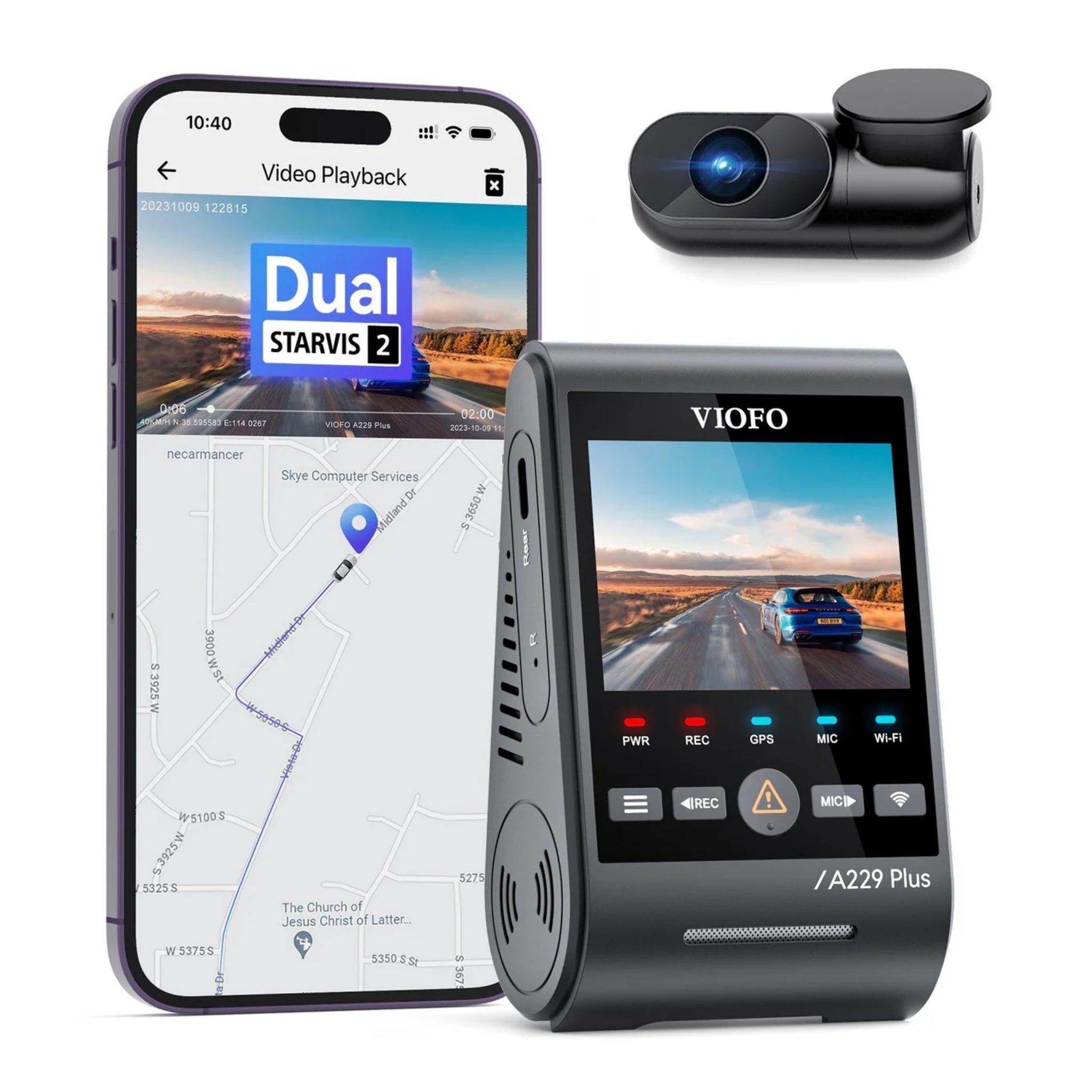
VIOFO A229 Plus: 2K coverage front and rear
The A229 Plus uses Sony STARVIS 2 IMX675 sensors for the front and standard rear cameras. That makes it a useful comparison when you want two 2K views rather than a 4K front view.
The standard dual-channel HDR setting records 2K front and 2K rear at 30 FPS. Supported non-HDR front modes can run at 60 FPS; adding an interior camera or changing HDR can change the available resolution menu. Set and verify the exact configuration while parked.
Like the A229 Pro, it offers dual-band Wi-Fi, Quad-Mode GPS, voice commands and spoken notifications. Choose by the coverage and recording modes you need, then check the selected kit for its CPL and other accessories.

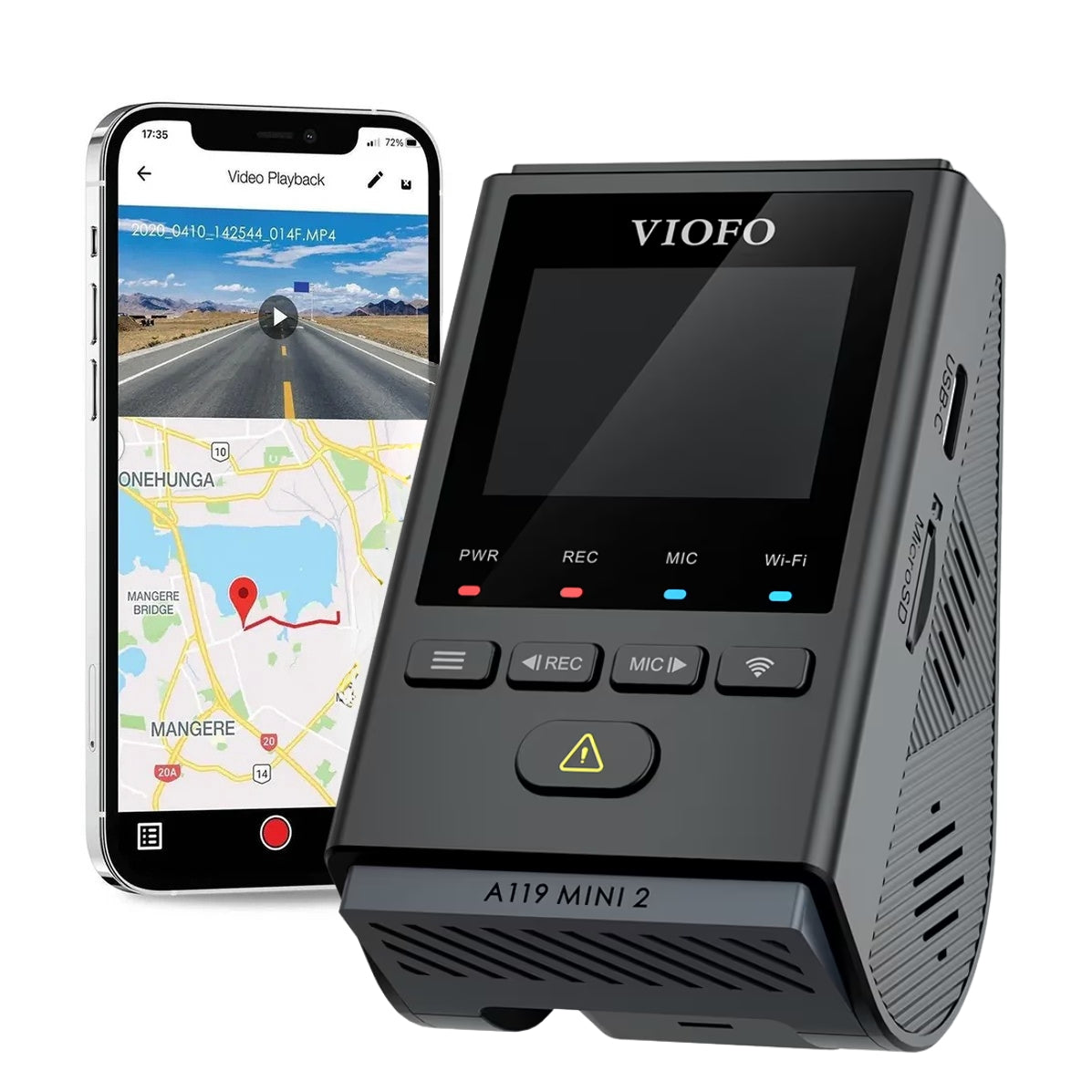
VIOFO A119 Mini 2: compact front-only recording
The A119 Mini 2 records 2K QHD, not 4K. Its 5MP Sony STARVIS 2 IMX675 sensor supports 2K at up to 60 FPS; enable HDR at 30 FPS when you want that exposure mode. Higher FPS and HDR should not be treated as a simultaneous maximum setting.
It combines a 140° front view with GPS, 2.4GHz and 5GHz Wi-Fi, voice commands and spoken notifications. You can use the app nearby for settings and footage access, but local Wi-Fi is not remote Cloud access. Configure and review it safely while parked.
We would start here when the priority is a small front-only system with phone controls. If rear coverage is part of your plan, compare a multi-channel family before buying: this Mini 2 does not have a rear-camera expansion port.

VIOFO A139 Pro: screenless multi-camera coverage
The A139 Pro adds a 4K Sony STARVIS 2 IMX678 front camera to a screenless design, with Full HD rear and interior views in the three-channel setup. Front HDR and voice notifications help distinguish its feature set from models that use screen-based controls; voice notifications are not voice commands.
Use its Wi-Fi connection and the VIOFO app for nearby setup and playback. Check the exact recording menu for the connected cameras before comparing FPS. The older three-channel 24 FPS specification should not be mixed with a front-only 30 FPS headline or a different model’s modes.
The current manufacturer listing specifies a 140° front view and 165° rear and interior views, differing from the older comparison artwork’s 170° label. Confirm the particular camera units if replacing parts. The front CPL and any other package contents also need an exact-kit check.

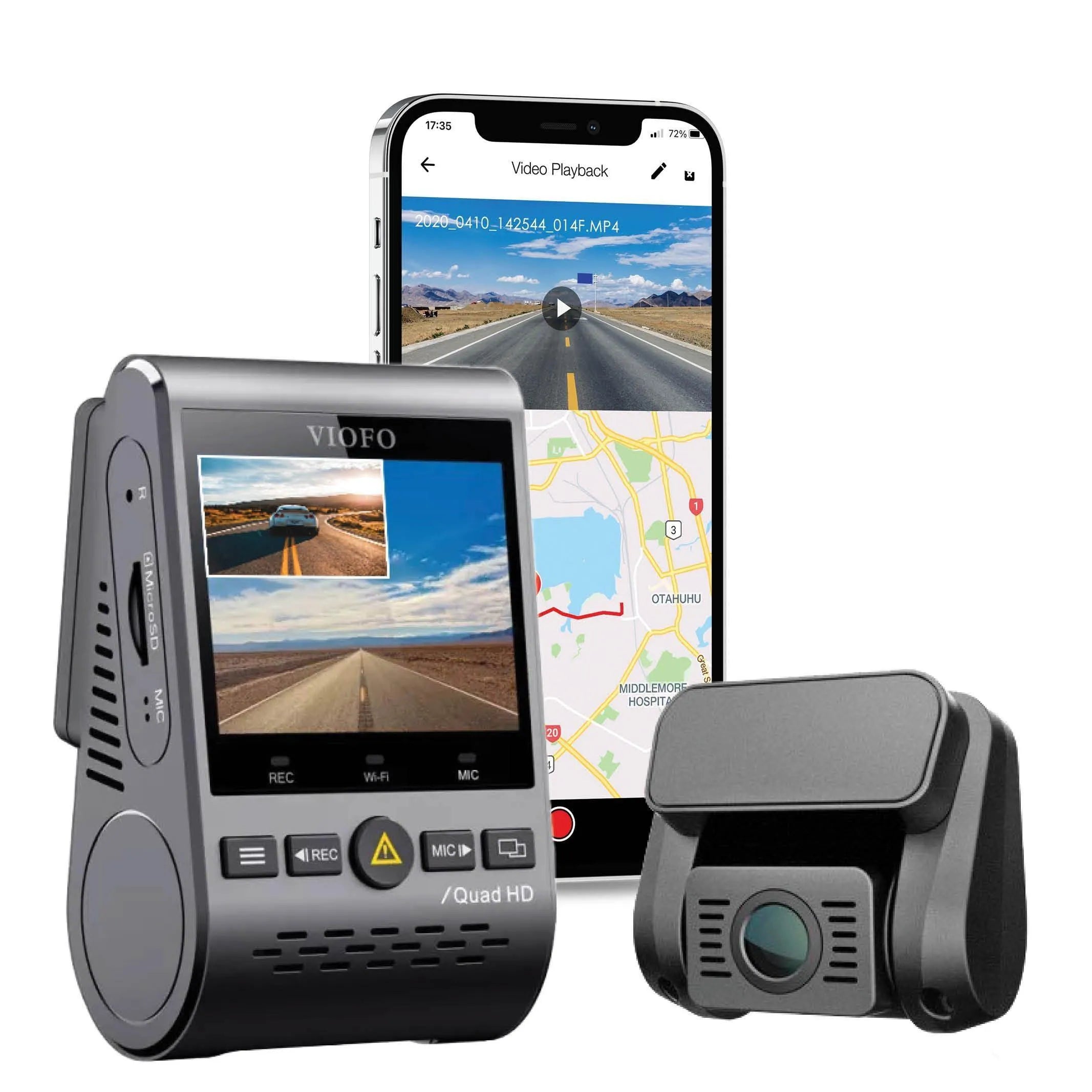
VIOFO A129 Plus: an older front-and-rear option
The A129 Plus combines a 2K QHD front view with a Full HD rear view and includes a screen for direct controls. Its front sensor is the first-generation Sony STARVIS IMX335, rather than the STARVIS 2 sensor used by the A229 Plus and A119 Mini 2.
Its resolution options include front 1440P at 60 or 30 FPS with rear 1080P at 30 FPS. It offers Wi-Fi for nearby preview, playback and downloads. The current manufacturer listing also marks HDR as supported; confirm the exact firmware and resolution menu before selecting a mode. VIOFO’s older Wi-Fi comparison identifies the A129 Plus Duo as 2.4GHz, so do not assume that every A129-family model has the same dual-band capability.
The GPS-equipped version in this guide supports location data. If you already own one, tell us the exact model and power setup before replacing a camera, mount or cable.
For help with an A129 Plus, contact us with its exact model and power setup.

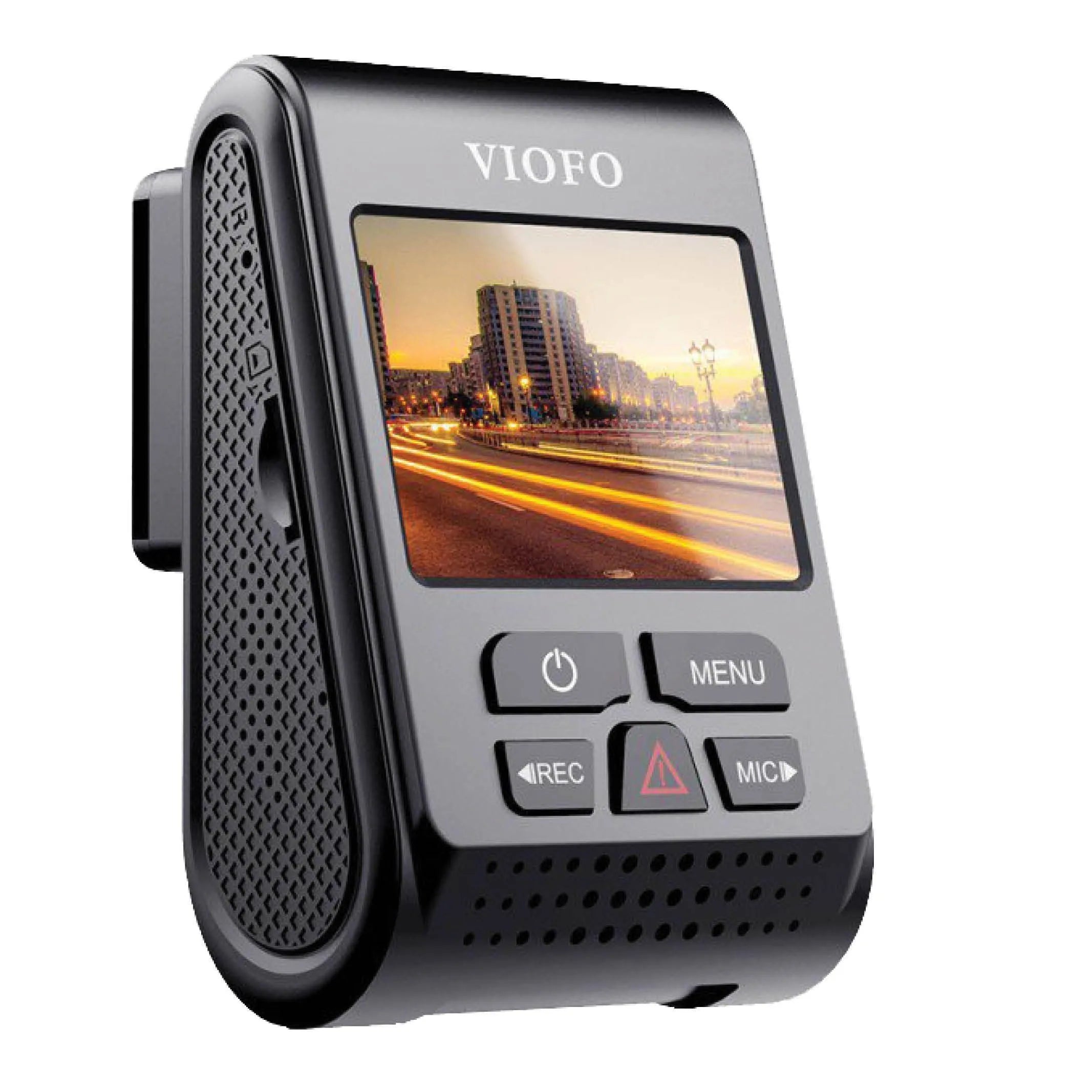
VIOFO A119 V3: screen and button controls
The A119 V3 is a front-only camera with a 5MP Sony STARVIS IMX335 sensor, a 140° view and QHD+ recording at 2560 × 1600 and 30 FPS. The GPS-equipped version shown here has no Wi-Fi, spoken notifications or voice commands, so use the screen, buttons and a computer card reader as appropriate.
VIOFO lists HDR support for this model. Check the firmware’s resolution and HDR combination before choosing a recording mode. Its first-generation STARVIS sensor does not become STARVIS 2 when HDR is enabled.
The quick-release mount can make removal convenient. An optional model-specific suction mount was offered for moving the camera between vehicles; check the mount’s actual fit and safe position. Parking recording still requires a suitable power arrangement.

Plan parking power, storage and access together
Parking mode needs power after the ignition is off. Buffered event detection, time lapse and low bitrate recording use different recording strategies, but none removes the need for a suitable supply. Match the hardwire kit and connector to the exact model, and have a qualified installer check the vehicle. A voltage cutoff helps limit discharge; it does not guarantee the vehicle will start after every parking session.
The table’s maximum card sizes are compatibility limits, not recording-time promises. More channels, higher bitrate and different recording modes change how quickly a card fills. Use a suitable endurance card from the model’s current recommendations. Copy important original clips separately before loop recording overwrites them, and back up anything you need before formatting.
A GPS receiver records supported location data; it does not by itself create remote tracking. Likewise, local camera Wi-Fi lets a nearby phone access settings or recordings. Choose a connected-service camera separately if you need access from away from the vehicle.
Camera options pictured in the guide
Let’s narrow down the right VIOFO setup
Tell us whether you need front, rear or cabin coverage, how long the vehicle is normally parked and whether you prefer a screen or phone controls. If you are upgrading, include the exact camera and accessory model names. We can help compare the camera layout, installation and storage before you order.
Browse the VIOFO range for current options, or ask us about parts for a system you already own.
Contact Us