
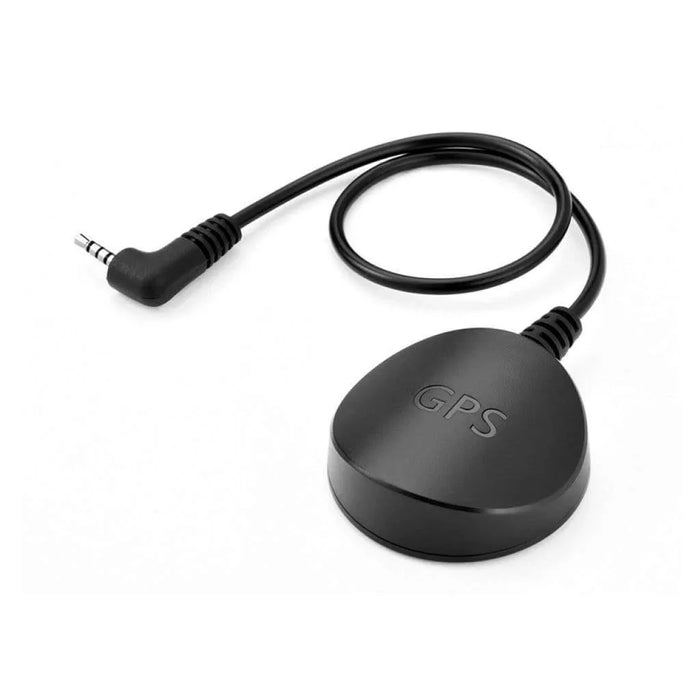
Will this antenna work with my Q200 or F70 Pro?
Yes. Thinkware lists Q200 and F70 Pro among the supported external-GPS models. Check the camera package first because some bundles already include the antenna.
Does it work with every Thinkware dash cam?
No. Use the exact-model list in Specifications. This listing excludes X550, F750 and F770; a camera with built-in GPS does not need this add-on.
Can I track my vehicle remotely with it?
No. This antenna adds GPS reception for the camera’s recorded data and supported alerts. It does not add LTE, a SIM card or remote connectivity.
Where can I see the recorded speed and location?
Open the recordings in the Thinkware dash cam viewer on a compatible Windows or Mac computer. GPS reception must have been available when the recording was made.
Will it warn me about every speed camera?
No. Alerts depend on the camera’s supported features, enabled settings and the installed regional safety-camera database. Update that data separately from the firmware when instructed; it cannot guarantee that every camera location is listed.
Where should I mount the antenna?
On clean windshield glass, within reach of the short lead and away from the main camera unit to reduce interference. Keep the driver’s view clear. Connect it with the dash cam powered off, then check for a GPS connection after powering on.
Why might GPS reception be unreliable?
Windshield coatings, built-in defrosters and nearby interference can affect reception. Check the connection and mounting position using the camera instructions before assuming the antenna has failed.
Does the antenna enable parking mode?
No. Parking recording needs the camera’s supported parking settings and a suitable power connection. GPS reception is a separate function.