
Is an SSD included?
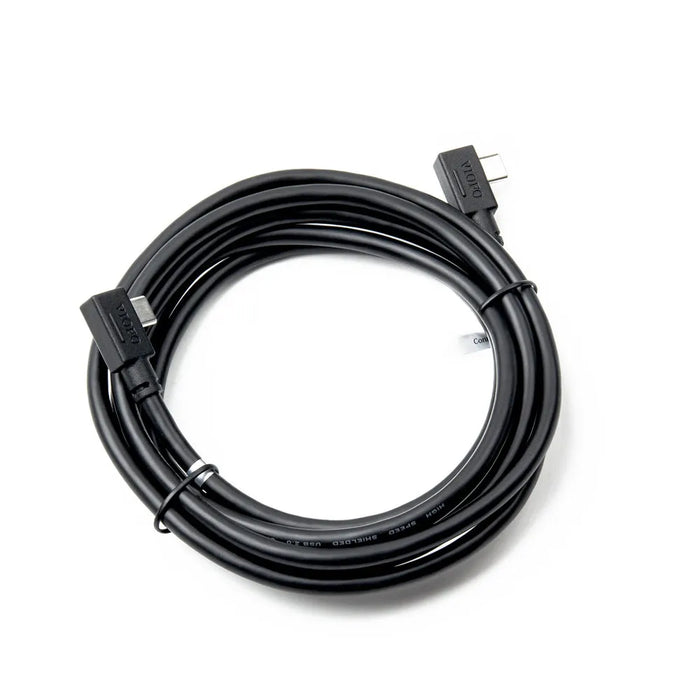
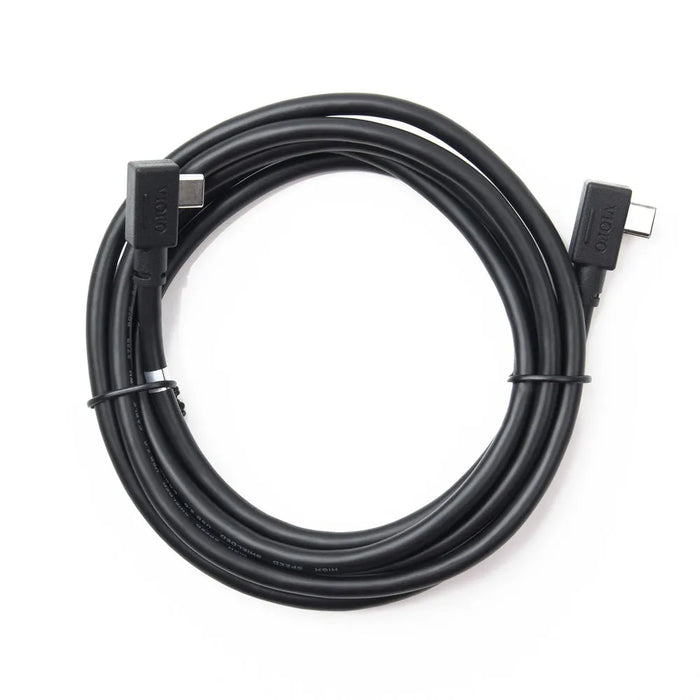
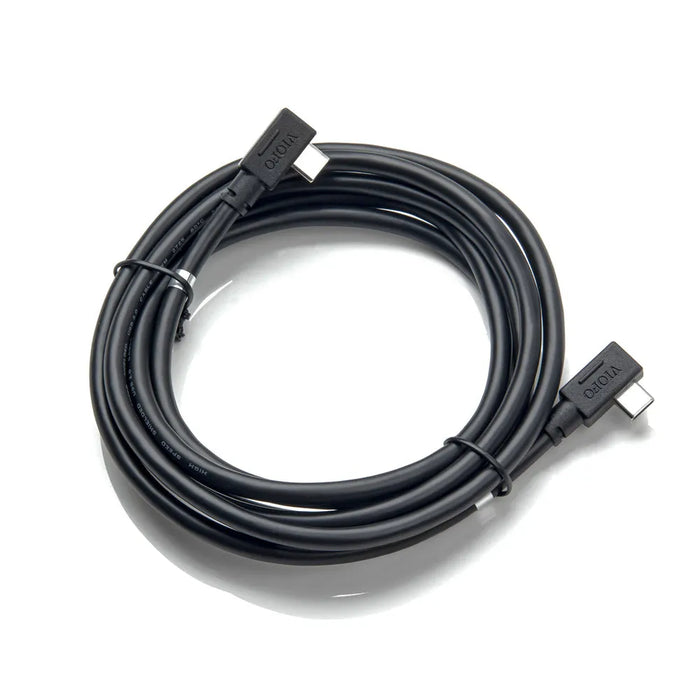
No. This item is one 2.5m data cable. Buy a compatible SSD separately and check the camera’s current tested-drive list.
Will it work with an A229 or A119 camera?
Those series are not supported for this external SSD connection. This cable is offered for the A329, A329S and A329T families; a USB-C socket alone does not establish compatibility.
Which port should I use on the camera?
Use the camera’s side SSD/data port. Keep the normal power supply connected to the power port on the GPS mount. Check the exact camera manual before connecting.
Can I remove the microSD card when using an SSD?
Not if you need the A329S/A329T low-power parking features. Keep a compatible microSD card installed for those recordings and follow the camera’s storage and backup instructions.
Does this cable prevent footage from being overwritten?
No. Extra capacity extends the space available, but the camera still controls loop recording and file protection. Copy important recordings to a separate device instead of relying on the drive as a permanent archive.
Does an SSD require a hardwire kit?
The data connection is separate from the power method. VIOFO recommends stable power for an SSD-equipped setup; use the correct adapter or hardwire kit for the camera and recording modes you need.
Will any USB-C SSD work?
No. Use a model and capacity on VIOFO’s tested list. The manufacturer currently lists WD My Passport 1TB, SanDisk Extreme Portable 1TB/2TB/4TB and Samsung T9 4TB. Confirm the list for your camera and firmware.
What should I check if the drive disconnects?
Check both plugs, the camera’s power supply, supported drive model and storage settings. Secure the drive without straining either socket. Follow the camera’s formatting instructions only after backing up any files you need.