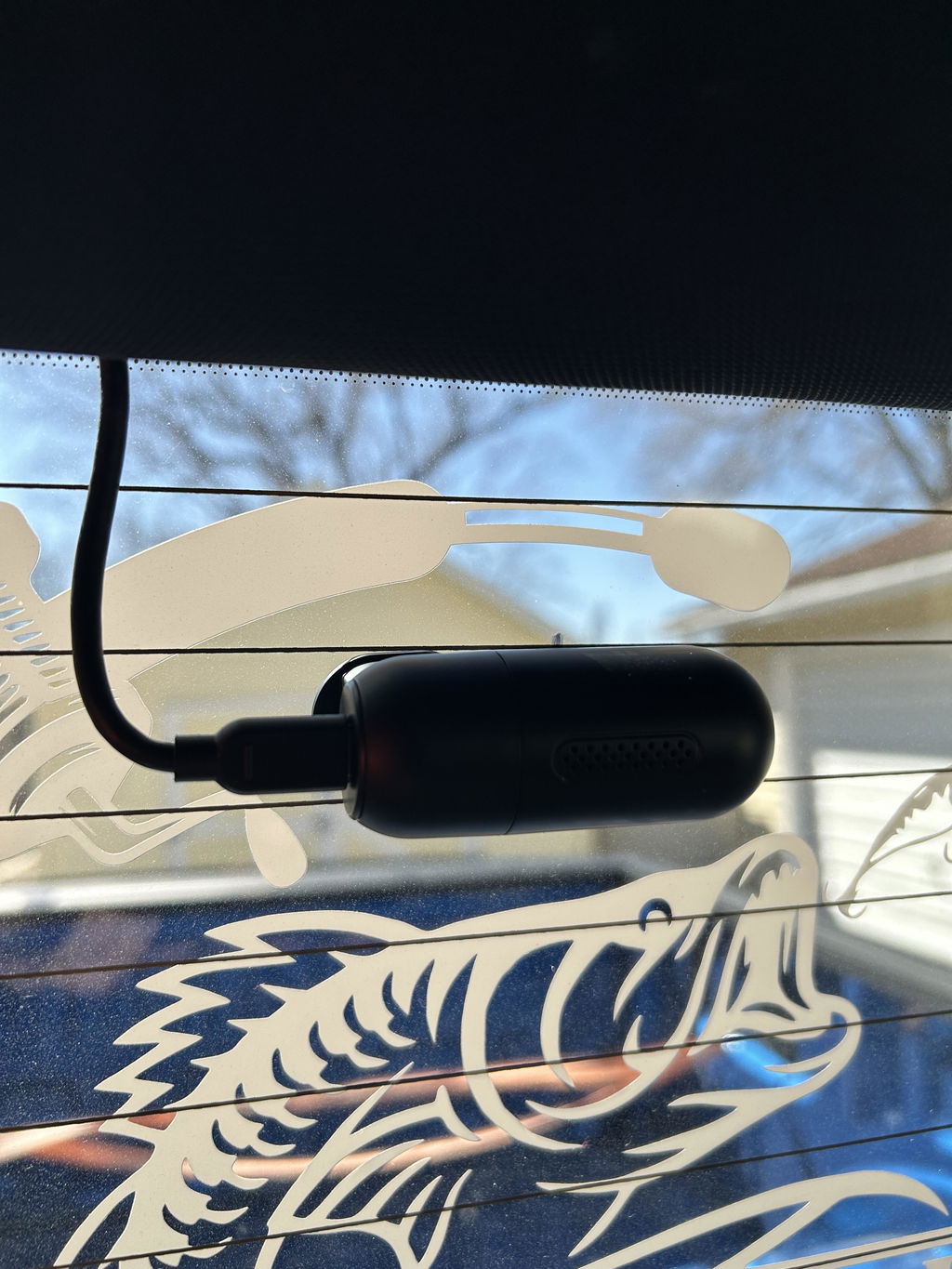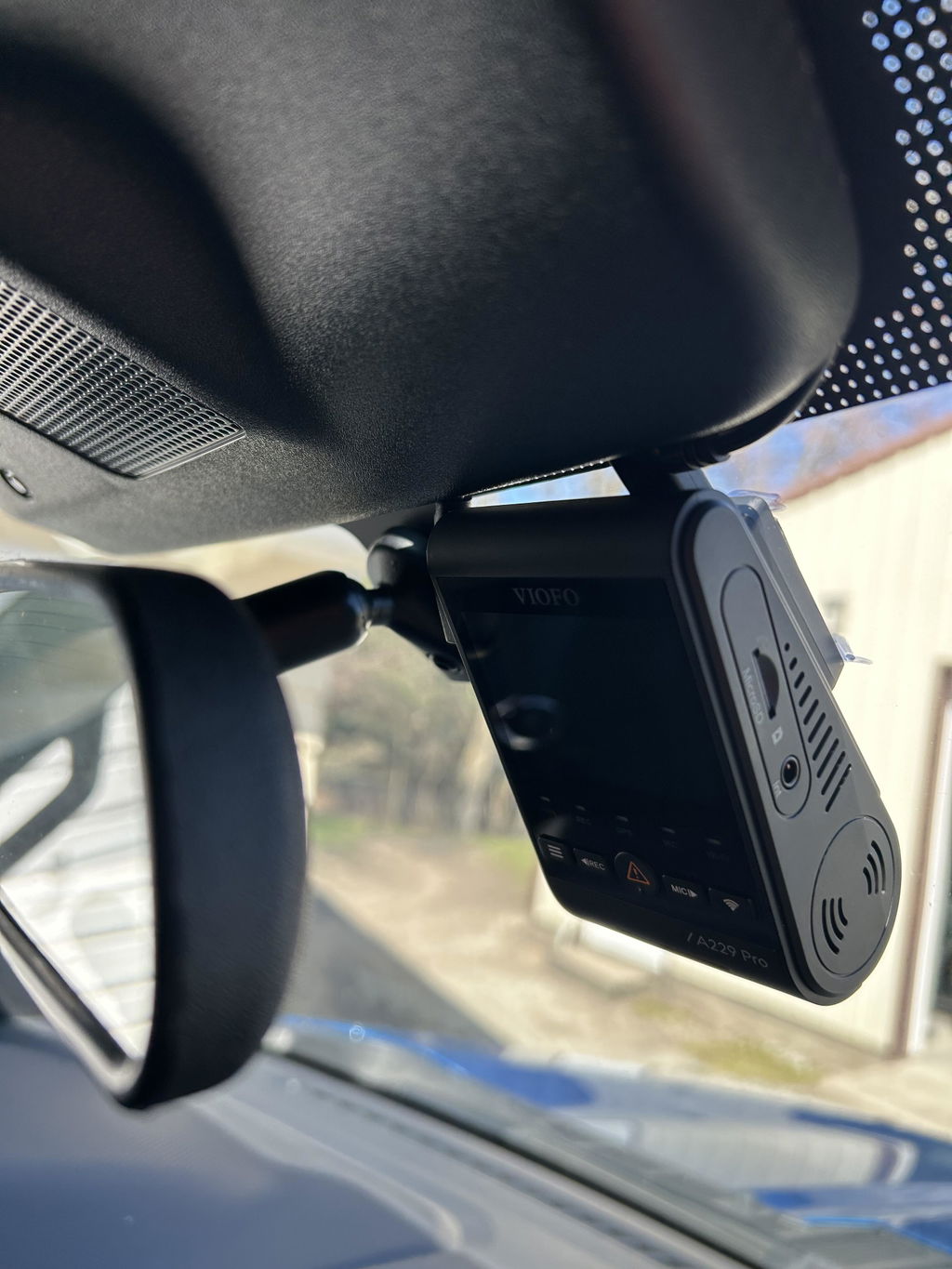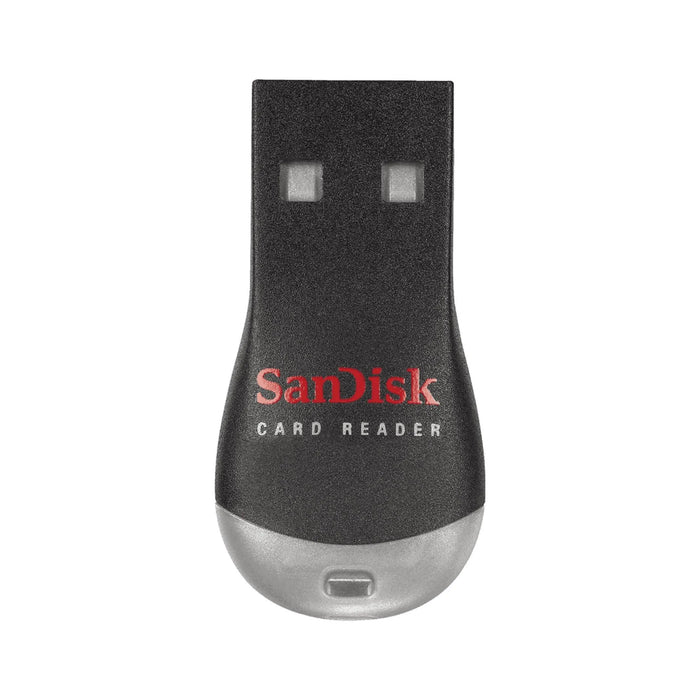
Will it read a 64GB, 128GB or 256GB SDXC card?
Yes. Those capacities are supported by the reader supplied through this listing. The dash cam must also support the card you choose; reader compatibility does not increase the camera’s card limit.
Is a memory card included?
No. This listing is for one reader in the selected option. MicroSD memory cards are sold separately, including any card pictured with a reader.
Which computer port or adapter do I need?
Insert the microSD card directly into the reader’s slot; no full-size SD adapter is needed. The reader connects to a USB-A port. For a USB-C-only computer, use a suitable USB-A-to-USB-C adapter or hub, sold separately.
Can I use it with a phone or tablet?
Support depends on the phone or tablet, its USB adapter and the card’s file system. PC and Mac file transfer is the intended use described here; do not assume every mobile device will work.
How does the reader affect video quality and transfer speed?
The reader copies the existing files without improving their recorded detail. Use compatible playback software and keep the original recording when making an edited or converted copy. Transfer speed depends on the card, reader, computer port and file sizes. This listing does not promise a specific MB/s rate or USB speed generation.
What if my computer asks to format the card?
Do not format a card containing recordings you still need. Cancel the prompt and check the card connection and compatible software first. Formatting erases files; save a backup before formatting a card in the dash cam.
Can I remove the card while the dash cam is recording?
Turn the camera off before removing the card. After copying files on the computer, eject the reader through the operating system before disconnecting it.