Will every dash cam record for 24 hours?
No. Approximately 24 hours is the manual's reference for its 2CH setup. Camera power draw, parking settings, starting charge and any connected USB load affect runtime. Short trips may not replace all the energy used while parked.
Which charging setting should I use?
Set the pack to OFF before installation. Use LOW with the supplied cigarette socket input cable. HIGH is for the supplied hardwire input connected to a suitable ignition-switched ACC circuit; charging current can be adjusted in the app. Follow the manual and have the circuit checked by a qualified installer.
What does the hardwire installation require?
The manual specifies an ignition-switched fuse location with an original fuse rated at least 10A, the appropriate add-a-fuse and a sound chassis ground. This is the battery’s vehicle input; the camera connects separately to the battery’s output. Our battery installation guide explains the setup choices.
Will it keep drawing from my car battery while parked?
With the specified ignition-switched installation, vehicle charging stops when the ignition is off and the PowerCell supplies the camera. A permanently powered socket or constant-power fuse can keep drawing from the vehicle battery, so confirm that the chosen input switches off with the ignition.
Which camera output cable should I select?
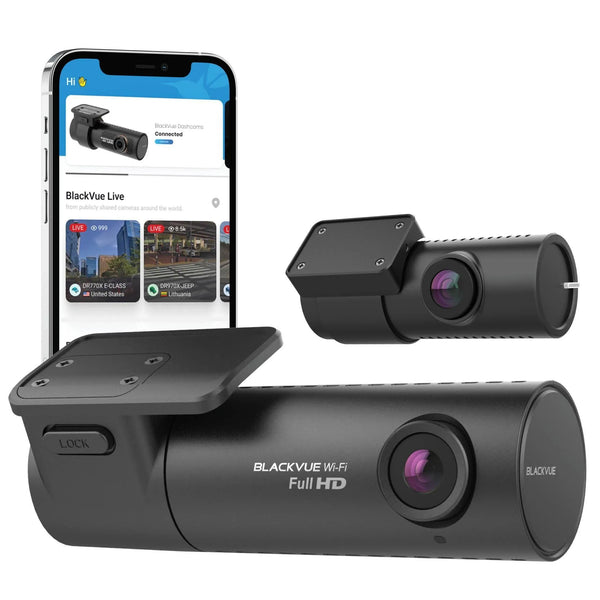
Choose by exact camera model and parking mode trigger, not just connector shape. Some cameras require an ACC signal as well as power. Use the camera output cable guide or ask our team to confirm the correct variant before ordering.
How do I add the 6,600mAh extension sold here?
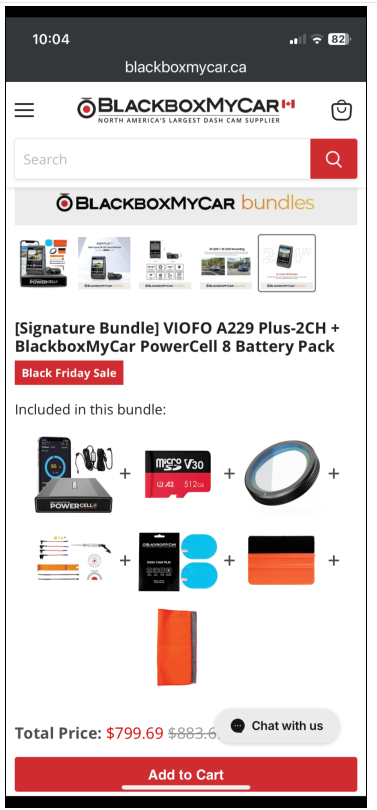
Connect a compatible Cellink NEO Extended Battery Pack to the EXT. Battery port with its supplied charge-transfer cable. The original 6,600mAh extension needs its added capacity entered in the app: one extension adds 6,600mAh to the PowerCell’s 7,500mAh, for a nominal total of 14,100mAh. Check the displayed total; newer Auto-port instructions describe a different extension revision.
Should I change the app password?
Yes. The manual recommends changing the default password, 1234, after purchase. Choose four digits from 0001 to 9999; 0000 is not allowed. Keep the new password somewhere you can retrieve it and contact support if you forget it.
What should I know about heat and mounting?
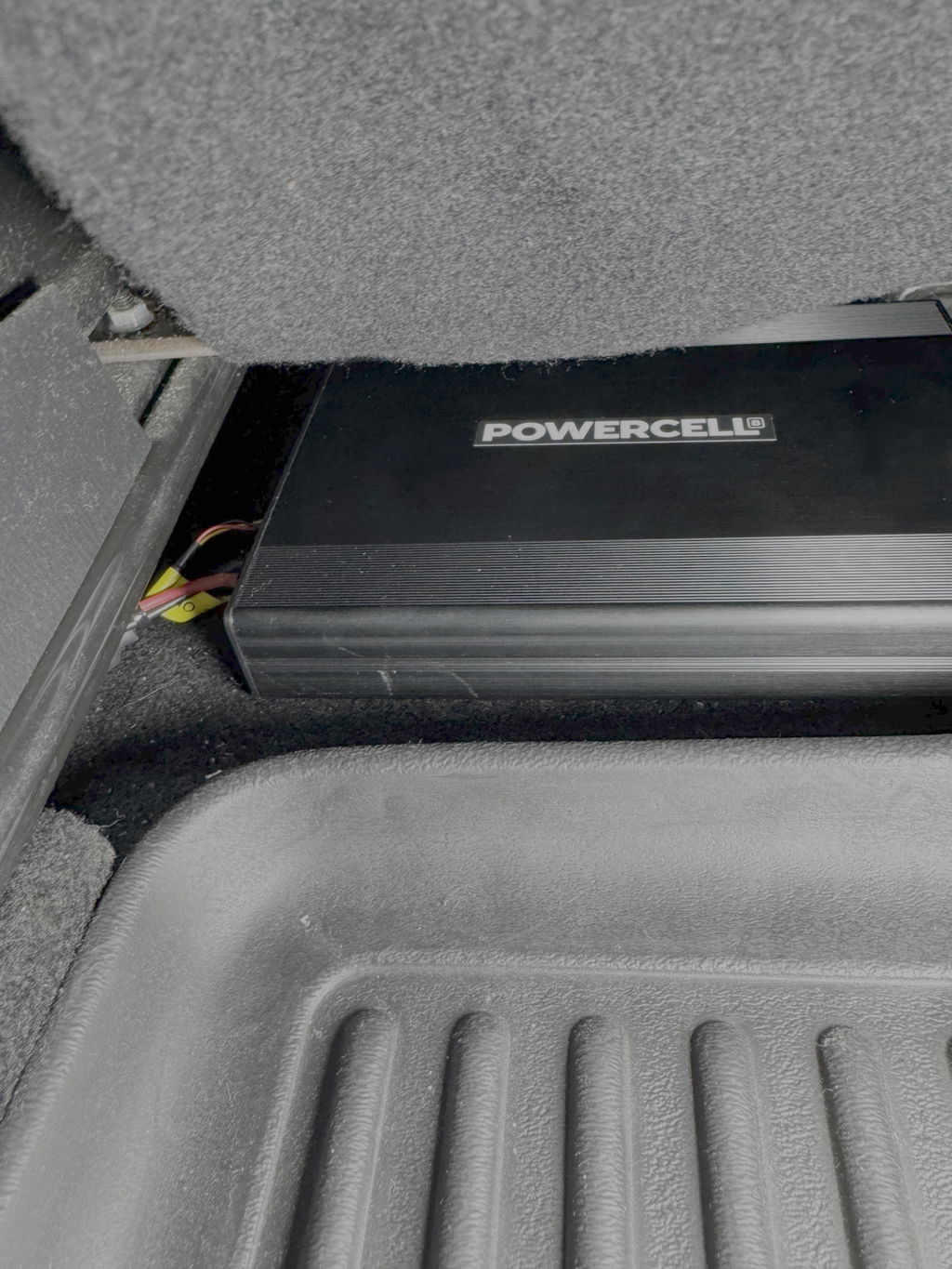
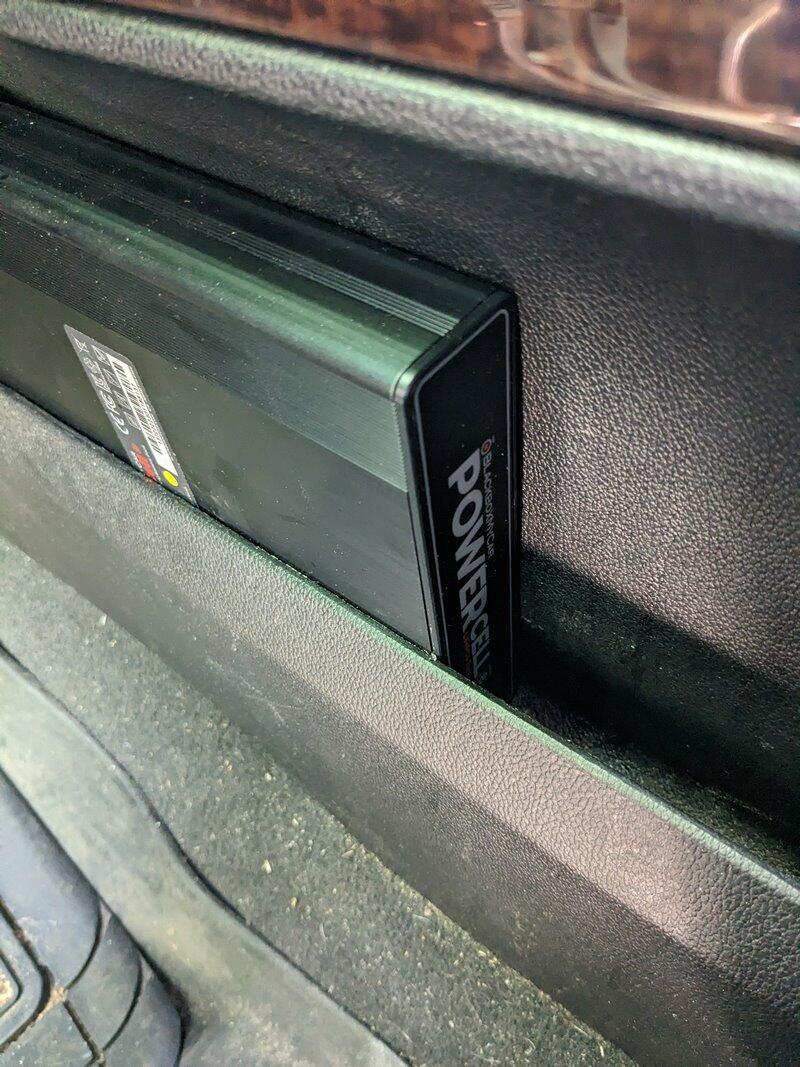
Install the pack in a dry, ventilated location away from direct heat and moving seat mechanisms. Leave room for the connectors and cable bends. The manual’s 80°C internal protection cutoff is a fault-protection threshold, not a normal operating-temperature rating.
What warranty and return terms apply?
The PowerCell 8 carries a one-year warranty from purchase. See our warranty, returns and exchange policy for coverage, return conditions and how to request support.