


How To Protect Your Vehicle Against Keying With A Dash Cam
Choose camera coverage and parking recording with a clear view of what your setup can capture
Can a dash cam help if someone keys your car?
A dash cam can provide a record of someone approaching or damaging your parked vehicle, if the person is visible and the camera saves the footage. It cannot physically stop keying or guarantee that you will identify the person. A light scratch may not produce enough movement to trigger an impact sensor.
At BlackboxMyCar, we start with where you park, which areas of the vehicle you want to see and how long the camera needs power. More cameras, a higher resolution and remote alerts each solve different problems. The four situations below help you choose a setup and understand what it may miss.

A public BC discussion about discovering key scratches raises the same practical question: what did the cameras actually save? Review the full sequence before drawing conclusions about a person near the vehicle.
1. Scratches along the side or rear
A front-and-rear system gives you two views, but a person standing close beside a door can remain outside both. A wide lens helps with the approach or departure; it does not see around pillars, through body panels or across every side of the vehicle.
An interior camera can add views through some side windows. Seats, occupants, tint, reflections and the window frames limit those views. Place and check the cameras in your own vehicle before treating a three-channel kit as side coverage. Our rear-camera installation guide explains the positioning and cable-routing considerations.
The VIOFO A139 Pro and VIOFO T130 illustrate different ways to add a cabin view. The T130 offers an adjustable interior lens; do not force it beyond its adjustment range. If you already own one, check its actual saved views before replacing it. Compare front-and-rear systems against the blind spots you need to cover.


On a phone, swipe sideways to compare the views
| Setup | What it adds | What to check |
|---|---|---|
| Front + rear | Approaches from ahead and behind | Someone close beside a door may stay outside the view |
| Front + rear + interior | Adds cabin and some through-window views | Pillars, tint, reflections and seats can obstruct the sides |
| Dedicated side cameras | Can target a particular exterior area | Needs suitable camera hardware, routing and a coverage check |
2. Keying after dark
Review saved clips from the place where you actually park at night. A bright picture is not necessarily a detailed one: motion blur, glare, distance and a face turned away can prevent identification. Clean the glass and lens, then check the view with nearby lights on and off as they would normally be.
The Thinkware U3000 has front and rear recording and Super Night Vision processing. Its parking modes make different recording and power tradeoffs. In the original U3000 manual, Motion Detection saves buffered events; Energy Saving waits for an impact; Radar responds to detected motion or impact. None promises to record every scratch.
Remote-access tradeoff: THINKWARE CONNECTED is unavailable in the U3000’s Radar and Energy Saving parking modes. Use a supported mode and internet connection if Connected features matter to you.
Thinkware’s June 2, 2023 introduction below shows the original U3000. Its launch bundle is historical, and the video is not a keying test or a demonstration of the newer U3000 Pro.
For a complete U3000 power setup, compare the U3000 and PowerCell 8 package with the exact parts you need. Confirm its current contents and compatibility before ordering.
3. You need a useful record of the incident
A recording is most useful when it shows the action, the surrounding context and the correct time. A person walking beside a car is not, by itself, proof that they caused a scratch. Keep the original files so the relevant sequence can be assessed without relying on one cropped still.
If a side view is essential, discuss a dedicated multi-camera installation with us. The Thinkware Multiplexer supports compatible models such as the F200 PRO and can form a system of up to five channels. It needs a compatible main dash cam and the appropriate cameras; the module cannot record on its own. Check the complete F200 PRO package and power connection rather than assuming every kit includes the same parts. Adding a Multiplexer does not add Cloud capability to an incompatible model.
Using two separate dual-channel systems is another installation approach, but it adds power draw, wiring, storage and separate files. Neither four channels nor a Multiplexer automatically produces an unobstructed 360-degree view. Ask us to check the mounting plan before buying extra cameras.
An infrared cabin camera is designed to illuminate the interior. It is not a substitute for an exterior night camera: reflections from glass can interfere with a through-window view. Check the actual recording with the infrared setting you intend to use.
4. You want alerts while you are away
Compatible Cloud cameras can let you check a remote live view or receive supported event notifications. The camera needs power and an internet connection while parked, and your phone needs internet access and the relevant notifications enabled. An offline camera cannot send an immediate Cloud alert.
A Wi-Fi connection between your phone and a nearby dash cam is different from remote Cloud access. For a camera that uses a hotspot, the hotspot must remain powered and connected after you leave. For an LTE model, confirm the regional hardware, carrier, SIM and data plan before purchase. Service plans can also limit features.
The original BlackVue DR970X-2CH and the DR970X-2CH Plus shown below are different generations. Check the exact model and its supported internet connection. Do not assume a non-LTE DR970X has a built-in cellular modem; a compatible external connectivity module or a suitable hotspot may be needed. Confirm regional hardware, carrier, SIM and data-plan requirements before choosing the connection.
The original BlackVue DR770X Box introduction below shows a separate, lock-protected recorder and three-camera arrangement. That can make casual access harder, but it does not make the equipment theft-proof. Our BlackVue tamper-protection guide explains the related hardware considerations. The video’s launch offers and shopping tags may change.
Choose notifications for supported events rather than expecting an alert whenever anyone touches the car. A missed trigger, interrupted connection or disabled phone notification can leave you without an alert even when local footage exists.
Give parking mode a suitable power supply
Parking recording ends when the camera loses power, reaches its configured limit or stops because of another operating condition. A switched accessory socket usually cannot supply parking power after it turns off. Use the camera’s supported hardwire kit or a compatible dedicated battery system, with the correct input and output leads.
A vehicle-battery cutoff reduces discharge; it cannot guarantee that a weak or cold battery will start the vehicle. Our PowerCell 8 can supply the camera separately while parked. Runtime depends on charge, camera count, recording mode, temperature and any additional load, so we do not promise a fixed number of overnight hours.
If you also power a hotspot, include it in the load and connector check. Do not assume every USB-powered device fits the battery’s output rating. Check the vehicle’s charging restrictions, the battery manual and the required charging mode before installation. See our battery installation guide and parking-mode guide.
For keying concerns, compare motion detection, supported continuous low-bitrate recording and time lapse with impact-only standby. The best choice depends on what you need to record and how much power is available. An impact-only mode can miss a light scratch; time lapse may omit the brief detail between frames.
Check coverage before you rely on it
- Park in your usual position, confirm the camera enters its intended parking mode and check the clock.
- Have someone walk around the vehicle without touching or striking it. Include the sides and rear, in daylight and your usual nighttime lighting.
- Download and play every camera’s saved files. Check what is visible, whether the approach was captured and where the blind spots remain.
- If you use Cloud features, leave the camera connected through its intended parking connection and check remote access from your phone. This checks connectivity; it does not prove that every possible event will trigger an alert.
- Check recording again after a normal parking period. Review the actual remaining power and files before deciding that the setup meets your needs.
If you discover damage, save the relevant original recordings promptly, including files before and after the suspected time. Back up front, rear and cabin streams as applicable. Avoid formatting the card or letting loop recording overwrite the files you need. Photograph the damage and keep a record of when and where you found it.
Share the original material with your insurer or local police if you make a report. They determine what information they need and how it applies; the camera cannot promise an insurance outcome. Our footage playback guide explains how to get to your recordings.
Compare the views, power and connection
Choose the coverage and parking behavior that fit your vehicle. Start with the full model name, its views and the current package contents.
Thinkware U3000
Front-and-rear recording with several parking modes. Check the Radar versus Connected tradeoff above and the power arrangement for the mode you intend to use.
The phone artwork carries a 2020 date, and all three product images carry BEST OF 2024 badges. These are historical promotional details, not a new award or a guarantee of current service.
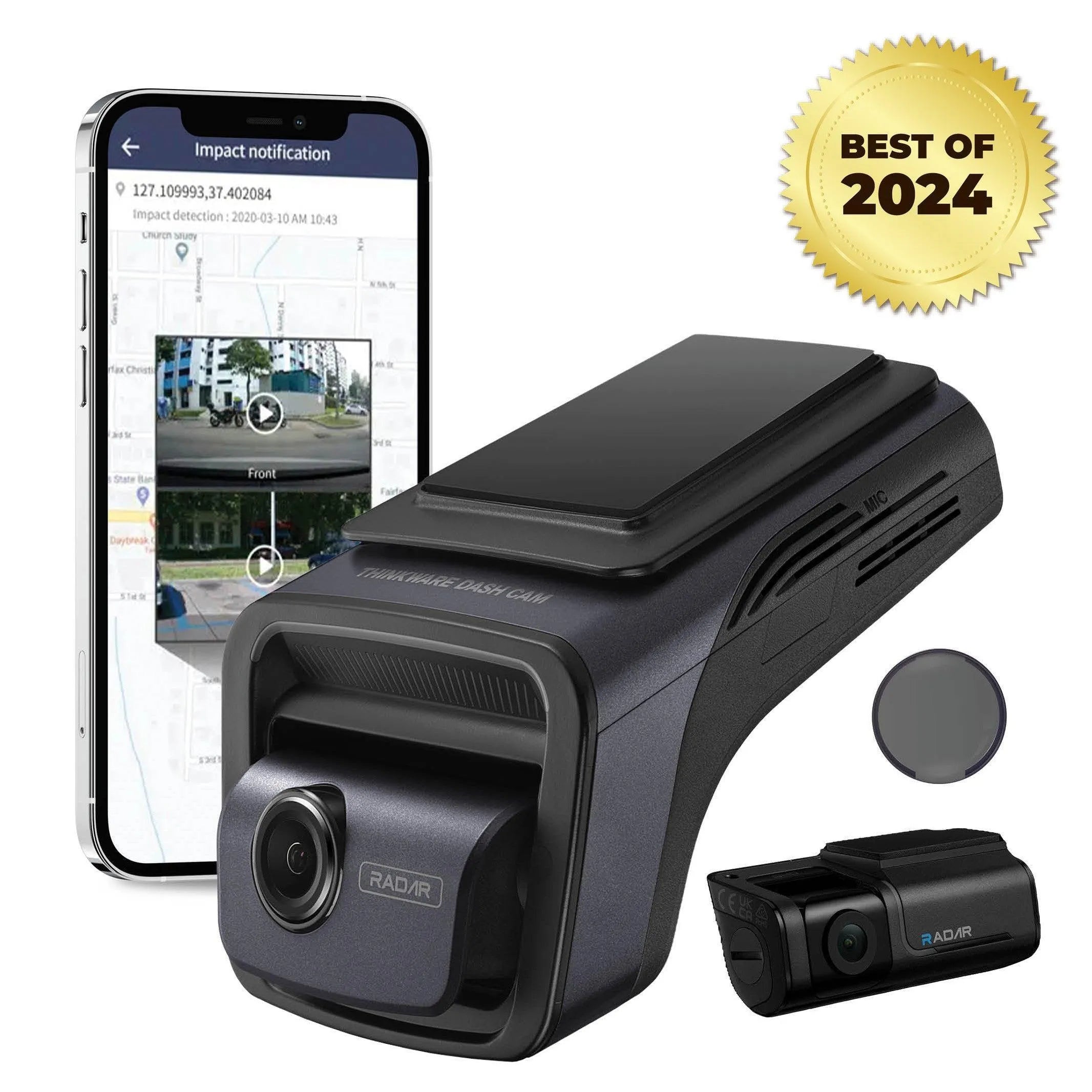
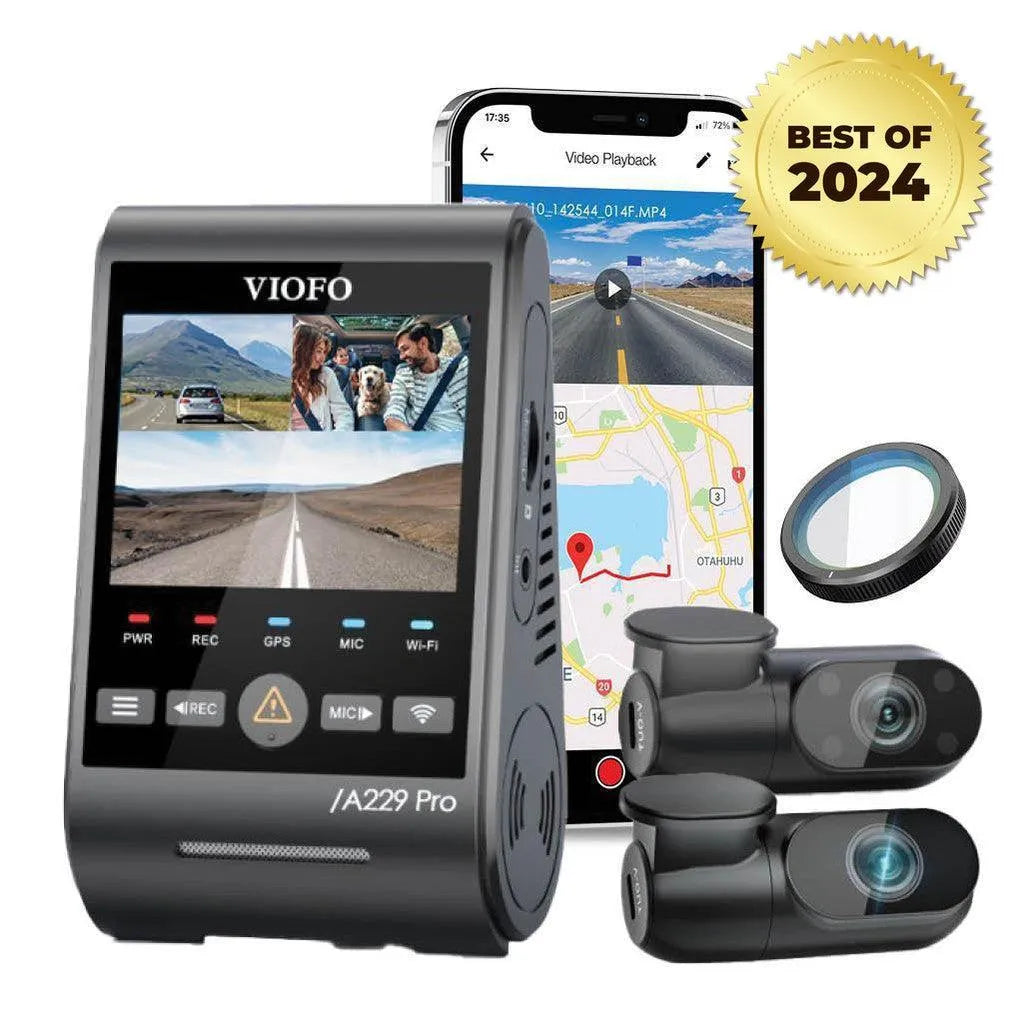
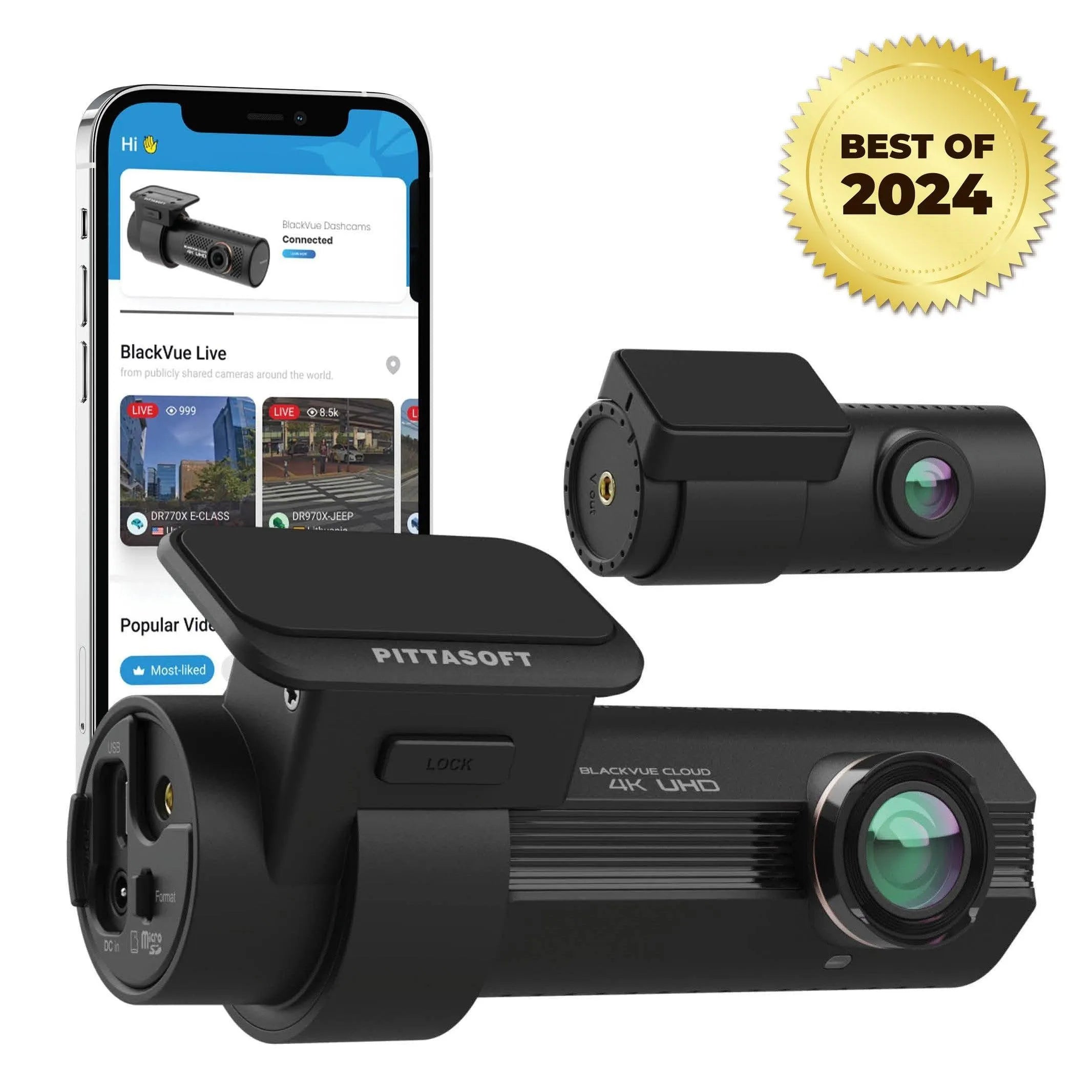
VIOFO A229 Pro 3CH adds a cabin camera to its front and rear views. BlackVue DR970X-2CH Plus offers supported Cloud functions when the full power and internet setup is working. Neither arrangement guarantees that a person beside a door will be visible or identifiable.
Compare the complete package
Match the camera, parking-power lead, battery and any network equipment as one setup. Our Signature Bundles collection includes package options to compare. Check the current item list and warranty terms for the A139 Pro package, U3000 package or DR970X package. If you need an Essential Safety Kit, verify whether it is included rather than assuming every bundle contains it.
Plan your parking setup
Tell us your vehicle’s year and model, where it is parked, how long you need recording and whether you need remote access. If you already have a dash cam, include its exact model, power cable and a sample of its parked view. BlackboxMyCar can help you check the coverage gaps and choose compatible parts.
Plan My Parking SetupFor model-specific instructions, consult the original U3000 manual, VIOFO T130 manual or BlackVue Cloud guidance.