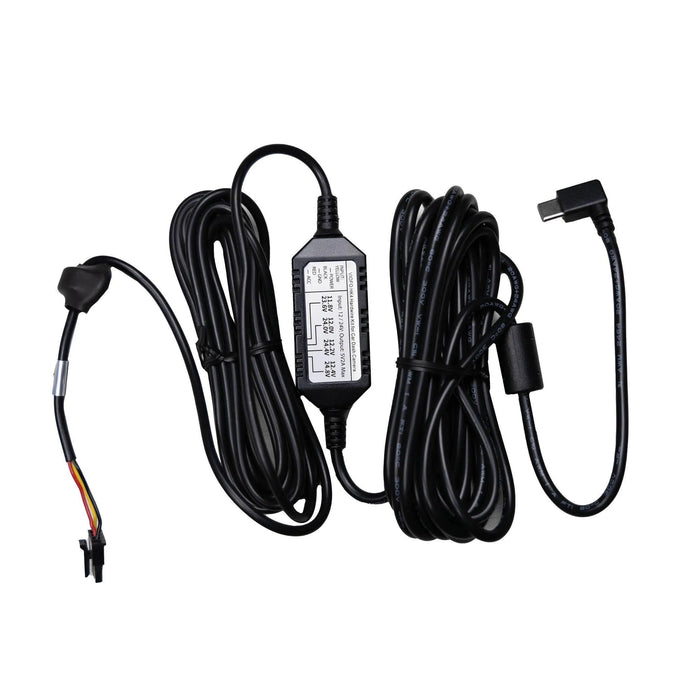
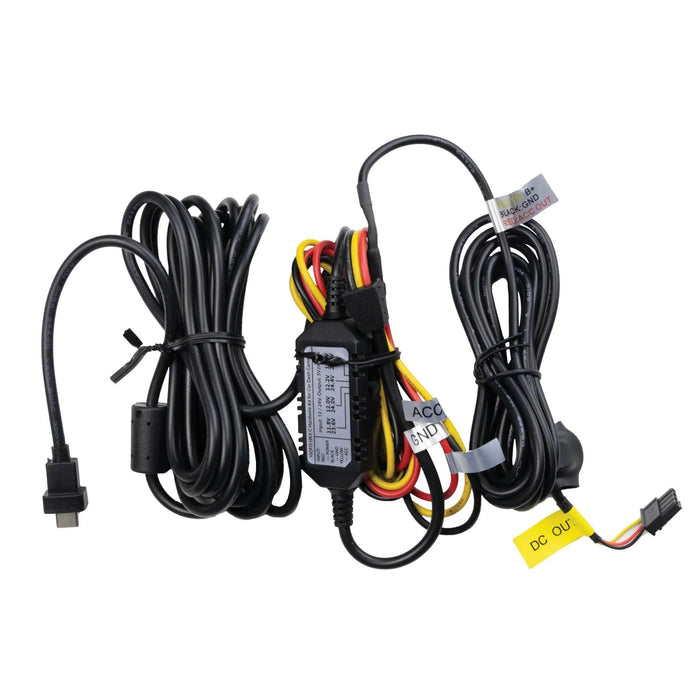
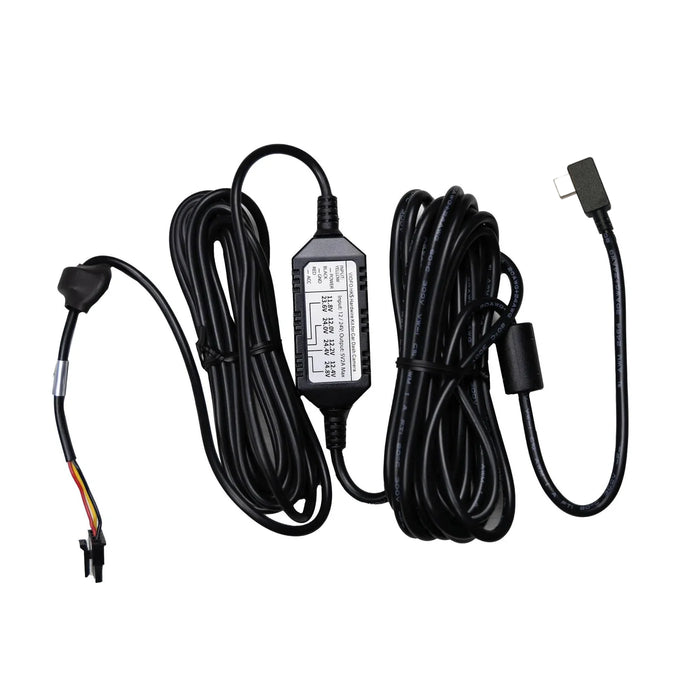
Which cable should I select?
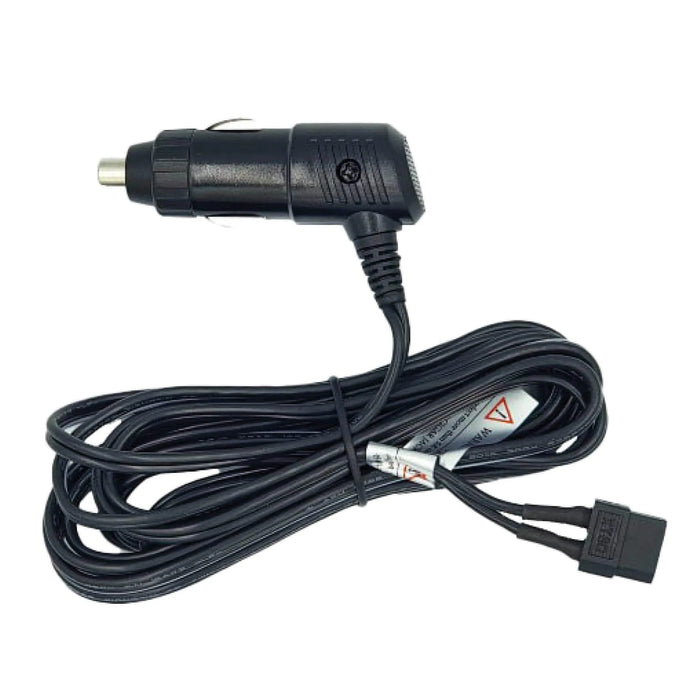
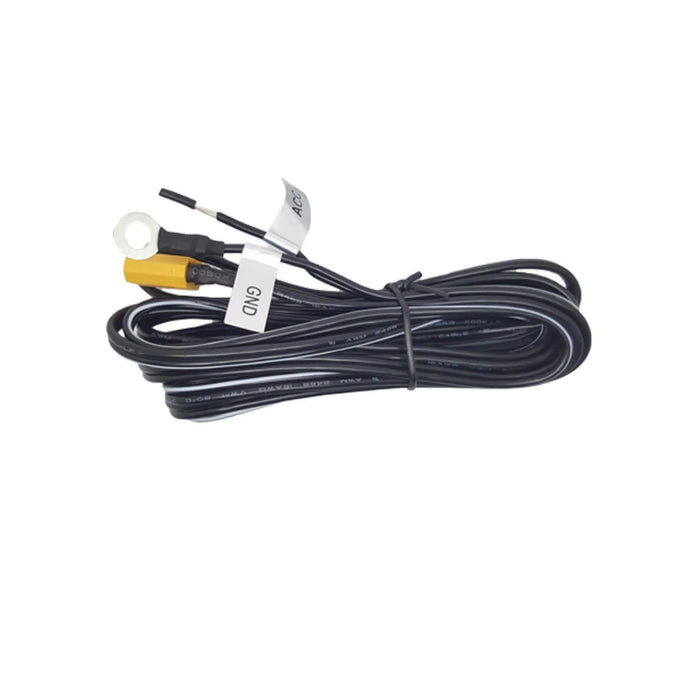
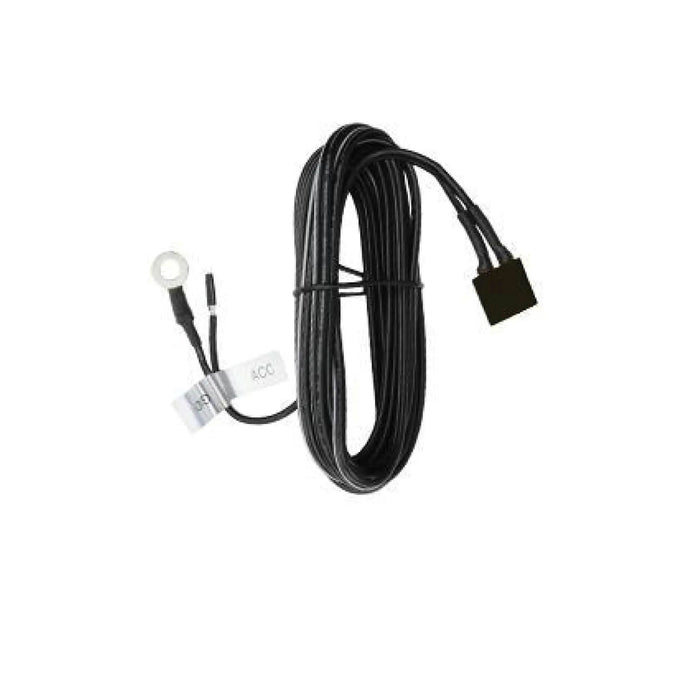
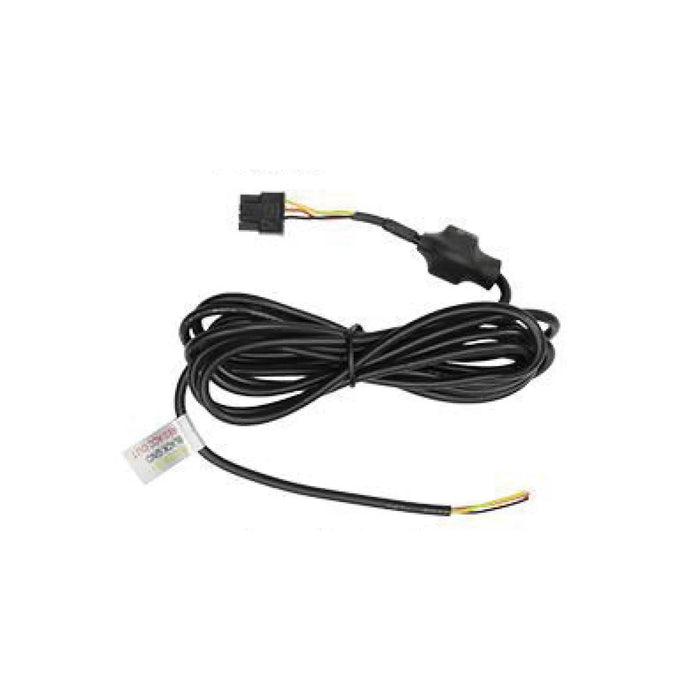
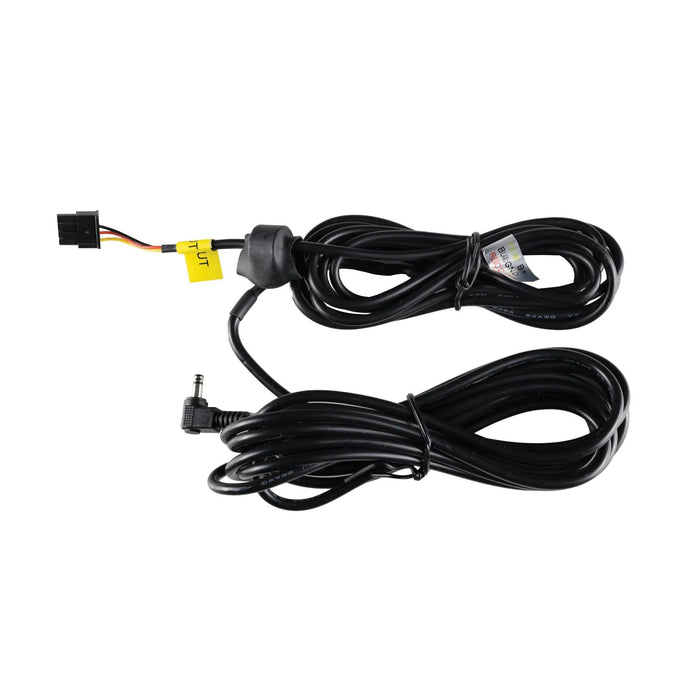
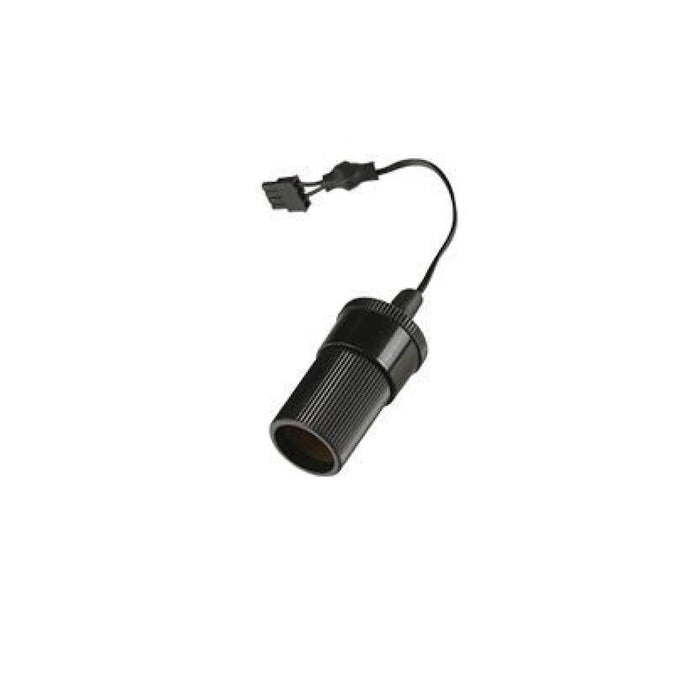
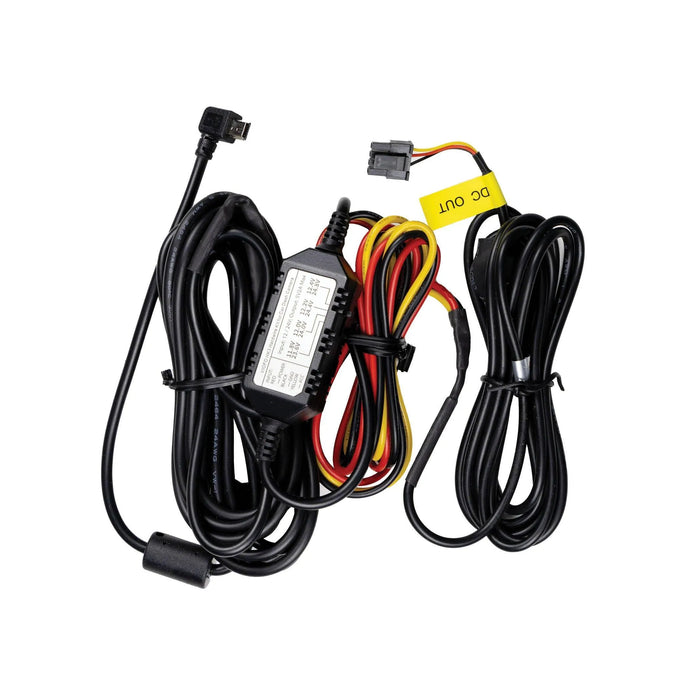
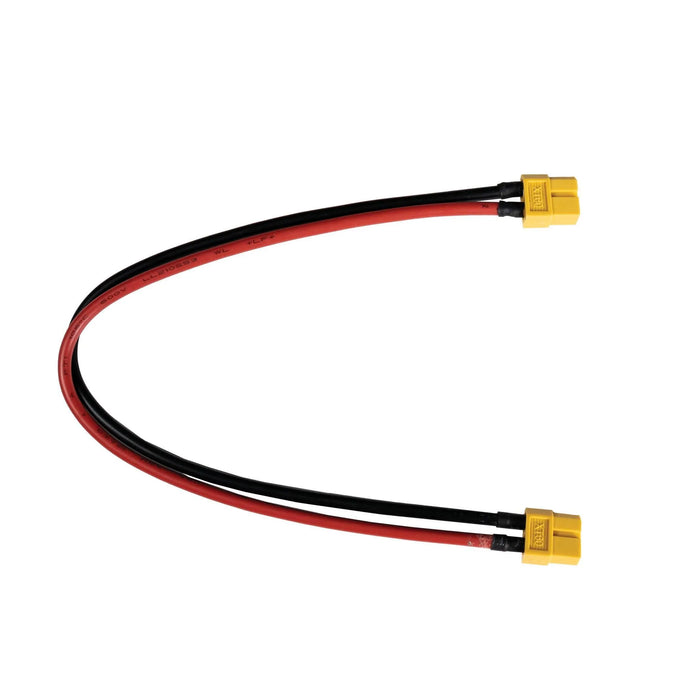
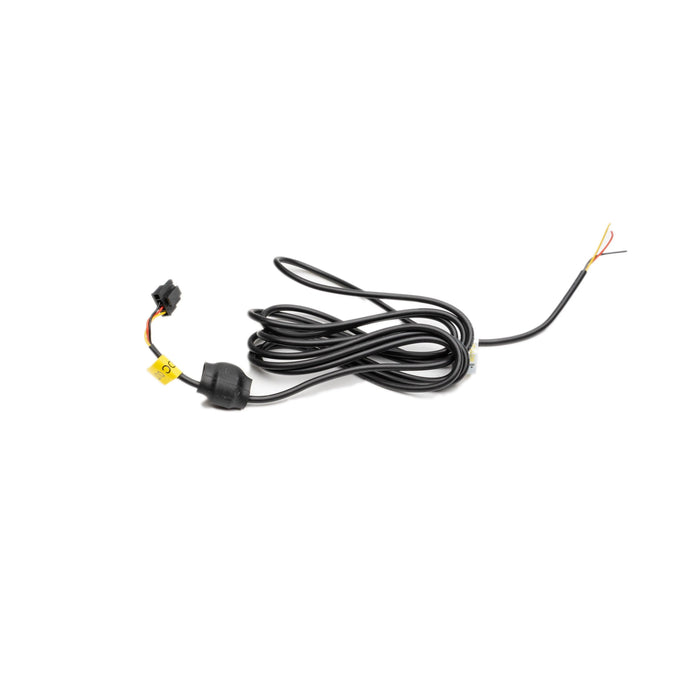
To charge the battery from your vehicle, choose the 12V Cigarette Charging Cable or ACC Hardwiring Kit. To power the dash cam from the battery, choose a Power Output Cable. To connect a Cellink NEO Extended expansion pack, choose the Cellink NEO Extended Connecting Cable.
Which battery packs accept the camera output cables?
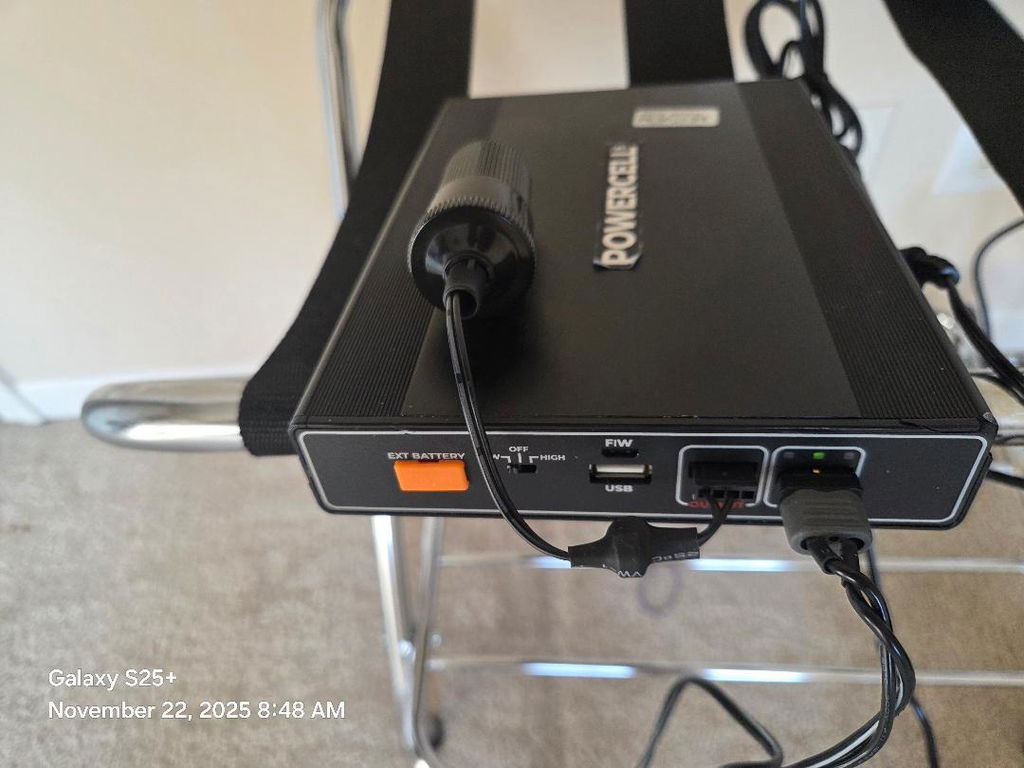
The listed output connection is used by PowerCell 8, Cellink NEO, BlackVue B-124/B-124X/B-130X/B-130A and VIOFO BP100. A supported Thinkware iVOLT BAB-50 setup can also use a matching spliced output. This describes the battery end only; choose the other end for your exact dash cam. The pre-spliced options do not fit PowerCell 5.
What does spliced mean?
A spliced option comes with the battery output lead already joined to the named camera hardwire kit. With an unspliced option, you must join the bare leads to a compatible hardwire kit yourself. Match the labelled constant/BATT, ACC and ground functions; wire colours can differ between kits. Do not bypass the camera's voltage converter.
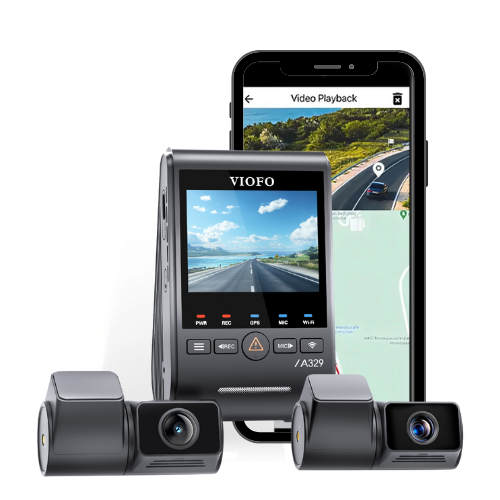
Which VIOFO spliced option do I need?
HK3 fits the listed mini-USB A119 V3 and A129 models. HK4 is the option for the listed A229, A119 Mini 2 and original A329 models. HK5 is for VS1; HK6 is for A329S and A119M Pro. Check the full model name: original A329 and A329S use different listed options.
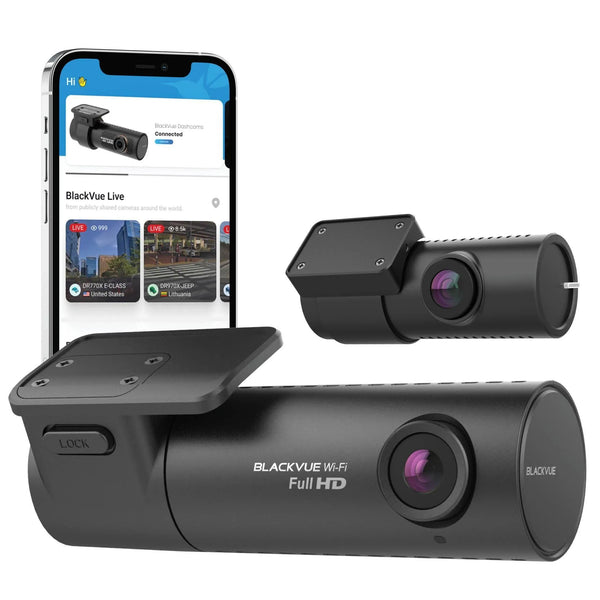
Does the BlackVue spliced option have a USB-C plug?
No. BBMC-PC8-BV-SPLICED has a round BlackVue camera plug. Choose it only if that plug matches your camera.
Is the Thinkware output cable the factory-made 7m hardwire cable?
No. The 4.5m Thinkware spliced output cable is assembled by BlackboxMyCar for use with a battery pack. It excludes F790 and F550. Thinkware's separate 7m vehicle hardwire cable connects to the vehicle instead.
Will the charging cables fit my Thinkware iVOLT BAB-50?
The cigarette charging cable does not fit the BAB-50. The ACC hardwire charging cable also does not fit a BAB-50 with a raised lip around its input port. Check that port against the cable specified for your battery revision. These restrictions concern charging cables; the camera output connection is a separate choice.
Can I use the 6A or 9A charging setting on my battery?
Not with these cables: PC8-UpdtCLA is rated for 5A charging, and ACC-CABLE for up to 7A. Use a setting within the selected cable's rating and the vehicle circuit's limit. If the battery has no suitable setting, use a cable rated for its charging current.
Will the socket output support parking mode?
It depends on your dash cam. The socket output supplies power through the camera's own adapter, but it does not provide a separate ignition (ACC) signal. BlackVue ELITE normally uses ignition-triggered switching; its EV Accessory Power setting can support some existing socket installations. Check the linked ELITE guide in Resources. A suitable spliced connection is preferred for a new ELITE installation.
Do I need both a charging cable and a camera output cable?
Yes, a complete battery setup needs both connections. Replace only the cable you need; each option on this page is sold separately. Charging the battery alone does not connect it to the camera. These cables do not provide an OBD-II socket.
What should I check after connecting the cables?
With the vehicle running, check that the battery charges and the dash cam records. Switch the vehicle off and check that charging stops and the camera enters its selected parking mode. If it does not, check the output cable, ACC signal and camera settings.
Does the expansion cable add recording time by itself?
No. It connects a separately purchased expansion battery. Runtime and charging time depend on the connected batteries and camera power use. Use it only with a main battery that supports the Cellink NEO Extended pack.
What else should I check before ordering?
Fuse taps are not part of the listed cable package; choose the vehicle-specific parts required by the battery installation instructions.